Outseta Company Update - November 2026


Alright, alright, alright—it's update time! Here's what's new in your Outseta account since we last landed in your inbox.
New MCP Server
Our customers' usage of our MCP server has continued to grow dramatically, so we're continuing to invest heavily here. To that end we've launched an entirely new MCP server.
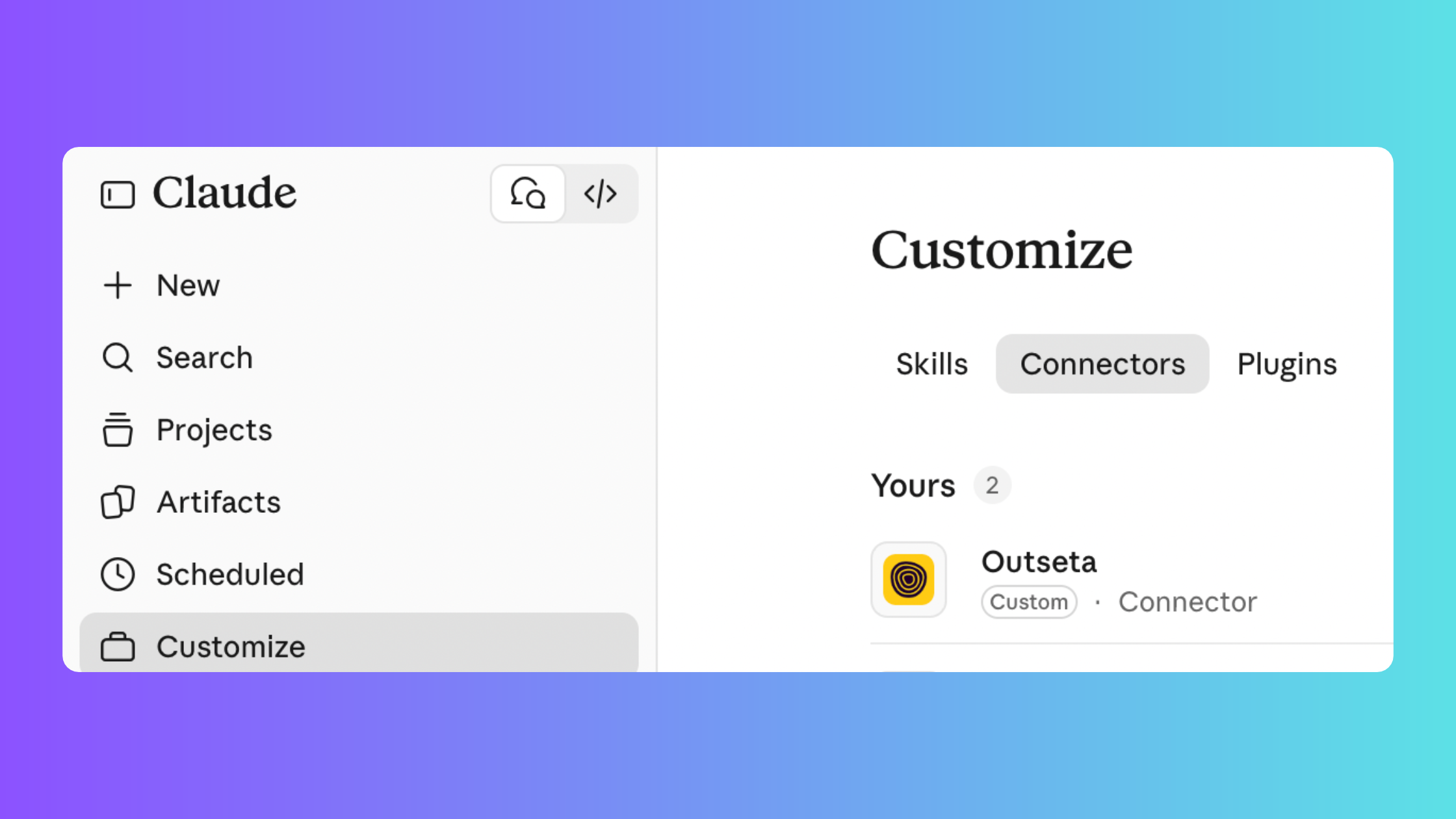
Our old MCP server was accessible at: https://outseta.com/mcp
Our new MCP server is accessible at: https://agent.outseta.com/mcp
If you're connected to the older MCP, we recommend you update your connection to the new one. This is where all future updates will be published.
Much of the reason for this change is we've rebuilt our original MCP server on our own infrastructure, so we have fewer dependencies on external tools. The functionality is very much the same, but how it works internally is quite different.
For those who want the technical context—the thing you'll likely notice is that there are (seemingly) lot less tools available. The new MCP provides a bash and javascript sandbox for the agent to use, so it can search and read our documentation through the bash command line and can execute typescript to call the API. The benefit for you is that the new MCP can do things programmatically that would otherwise be difficult for the agent to do, like aggregating or searching for information without overloading the agent's context window.
The new MCP also includes some new capabilities like the ability to list, read, and update email templates. This now includes these capabilities for email broadcasts, drip campaigns, and transactional emails too.
Connect to the new Outseta MCP server here.
New Feature! In-App Chat can perform actions on your behalf
Most people who want to chat with their Outseta account (rather than using the user interface) will do so using the MCP server that we just discussed—but we've also updated the Outseta Assistant that you see within your Outseta account so that it can take actions on your behalf.
So what does that all mean?
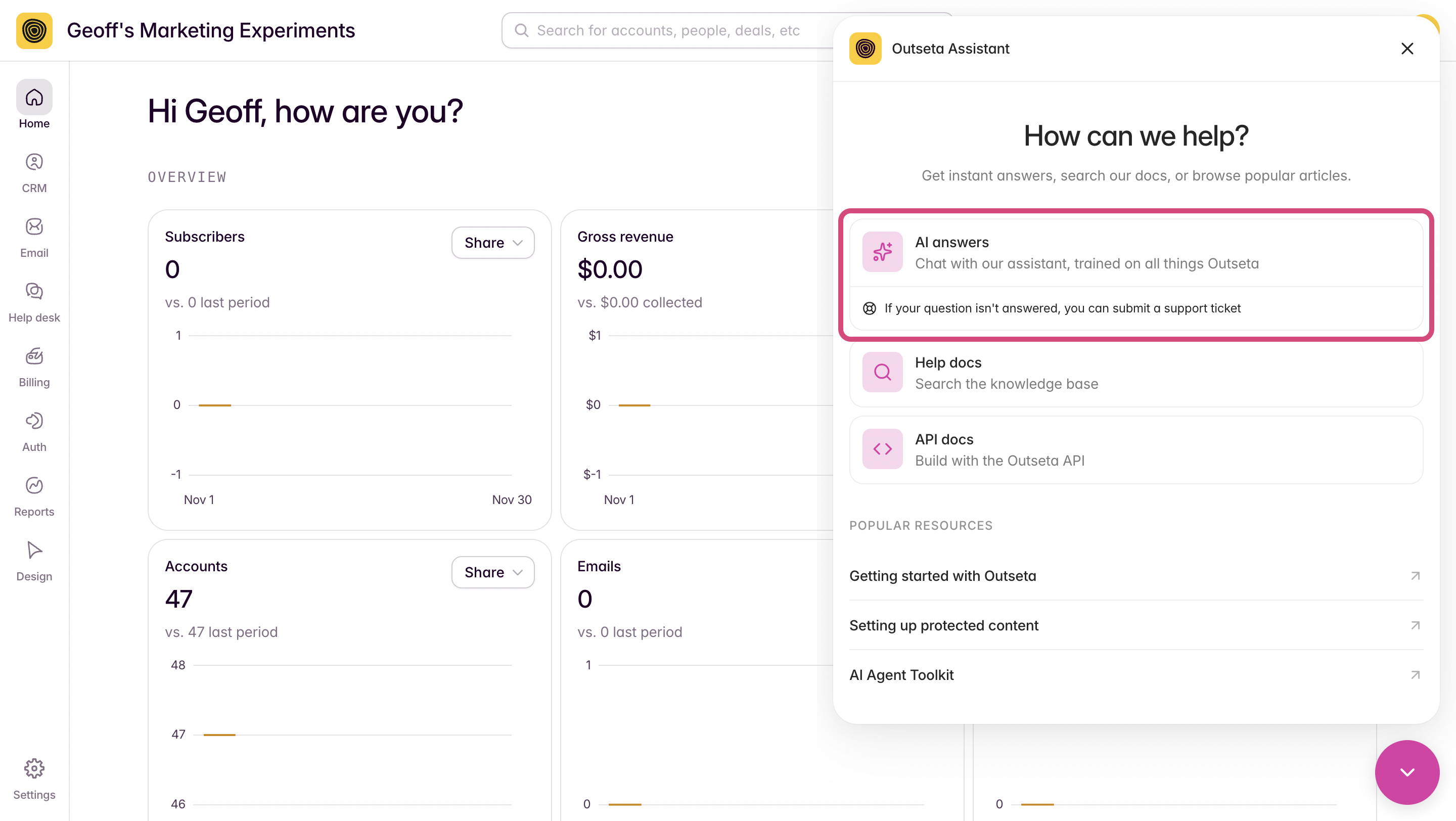
Chances are you've already noticed that you can ask questions of our AI assistant now—it's trained on all things Outseta. But you can also now just ask the chat interface to performs actions within your Outseta account for you (assuming you are logged in). Try something like:
- Create a newsletter list
- Add a subscription
- Update a CRM record
In the video below, I demonstrate this for you by asking the Outseta Assistant to translate one of my transactional email to Spanish. Next thing you know...
Mind blown.
New Template! Webflow template for professional or trade associations
Professional or trade associations represent a specific subsegment of the market that requires membership software. They typically need to do things like collect recurring membership fees, add association members to a public facing member directory, and include event registration capabilities on their websites, too.
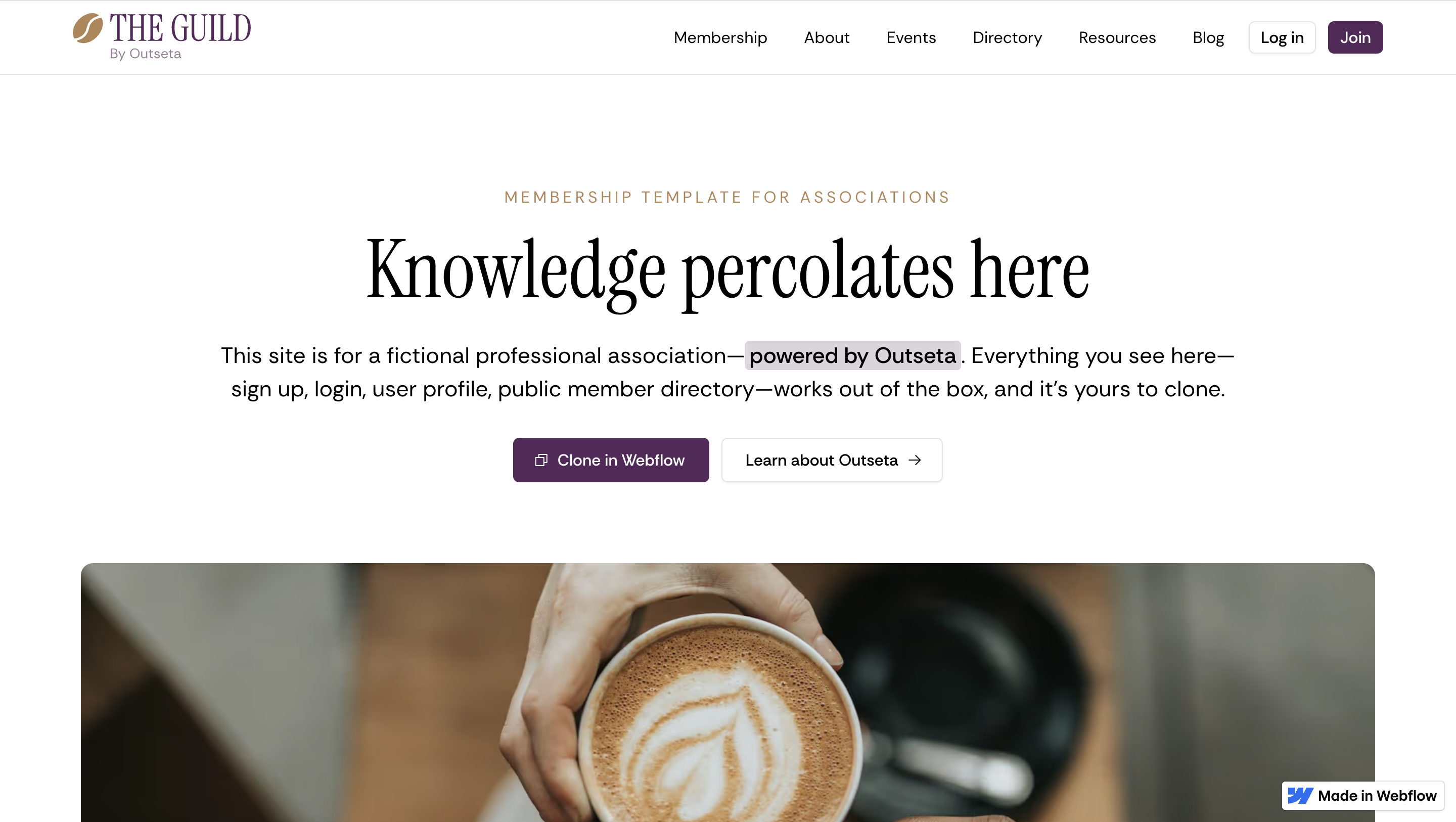
We continue to see a lot of associations signing up for Outseta, and most are looking to modernize their website in process—our new Professional Association Membership Site Template for Webflow makes spinning up such a site fast and easy. The template provides the standard association feature set, integrates with Outseta in minutes, and can be made your own with the full design flexibility of Webflow.
Here's 21 examples of professional or trade association websites built with Outseta to give you a better sense of the use case.
New Feature! Block concurrent logins
We've added a new feature that stops multiple users from logging in with the same username and password at the same time. This feature is particularly useful if you sell both individual and team based memberships, and can be enabled with a simply toggle by going to the AUTH > SIGN UP AND LOGIN page and clicking Show Advanced Options under the Login Settings.
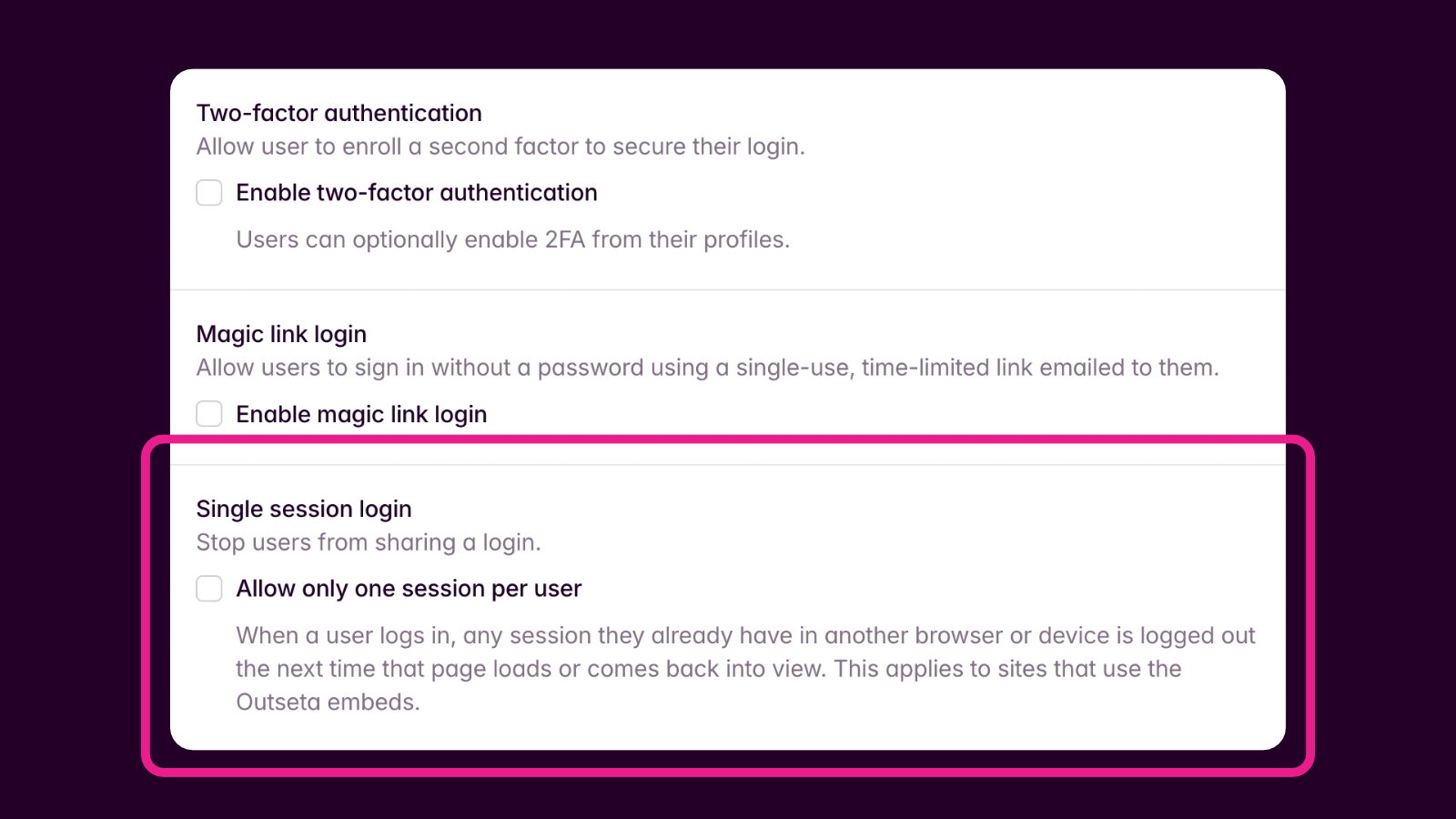
Thank you to Dennis at Osmo for suggesting this feature.
New Feature! Disable Transactional Emails
You can now toggle off many of Outseta's transactional emails—these can be found at EMAILS > TRANSACTIONAL EMAILS within your account.
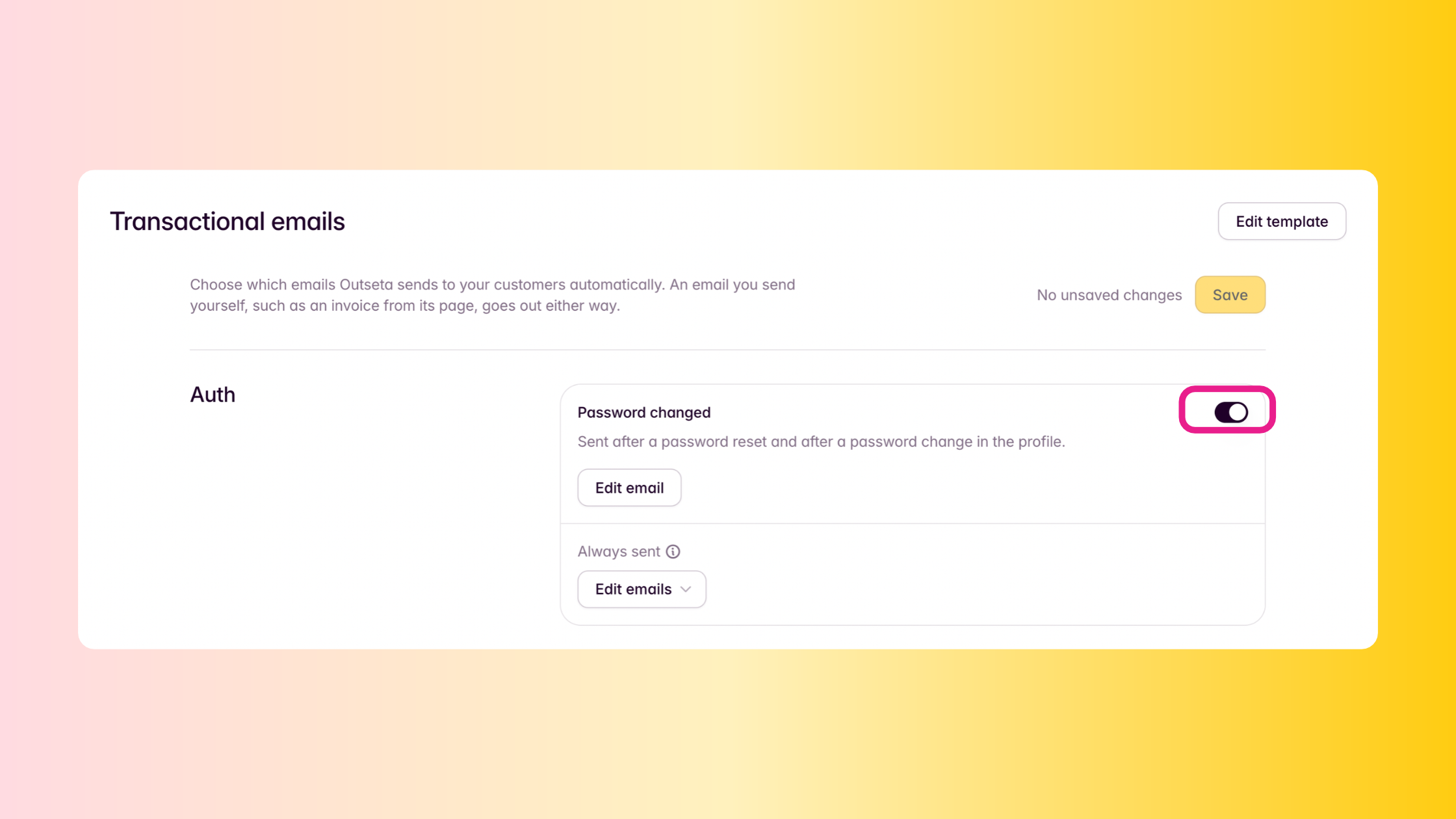
Please note that there are still some emails that cannot be disabled—for example, if you've setup a double opt-in email list then the email confirming the opt-in will always be sent. Regardless, there were a bunch of edge cases where customers didn't want a specific transactional email sending—you now have a lot more control.
New Feature! Host your knowledge base on a custom domain with SSL
Outseta has always allowed you to host your knowledge base on a custom domain, but previously we didn't have your SSL certificate so your custom domain wasn't hosted securely without a bit of trickery. You can now host your Outseta knowledge base on a custom domain with SSL and we'll renew your SSL certificate for you.
To set this up, head over to HELP DESK > SETTINGS > KNOWLEDGE BASE.
New Feature! Email Editor Updates
You may have noticed that there's been a series of updates to Outseta's email editor. You can now add videos and things like social media blocks / links with predefined components for each in the email editor. There's also an AI assistant that can help with design.
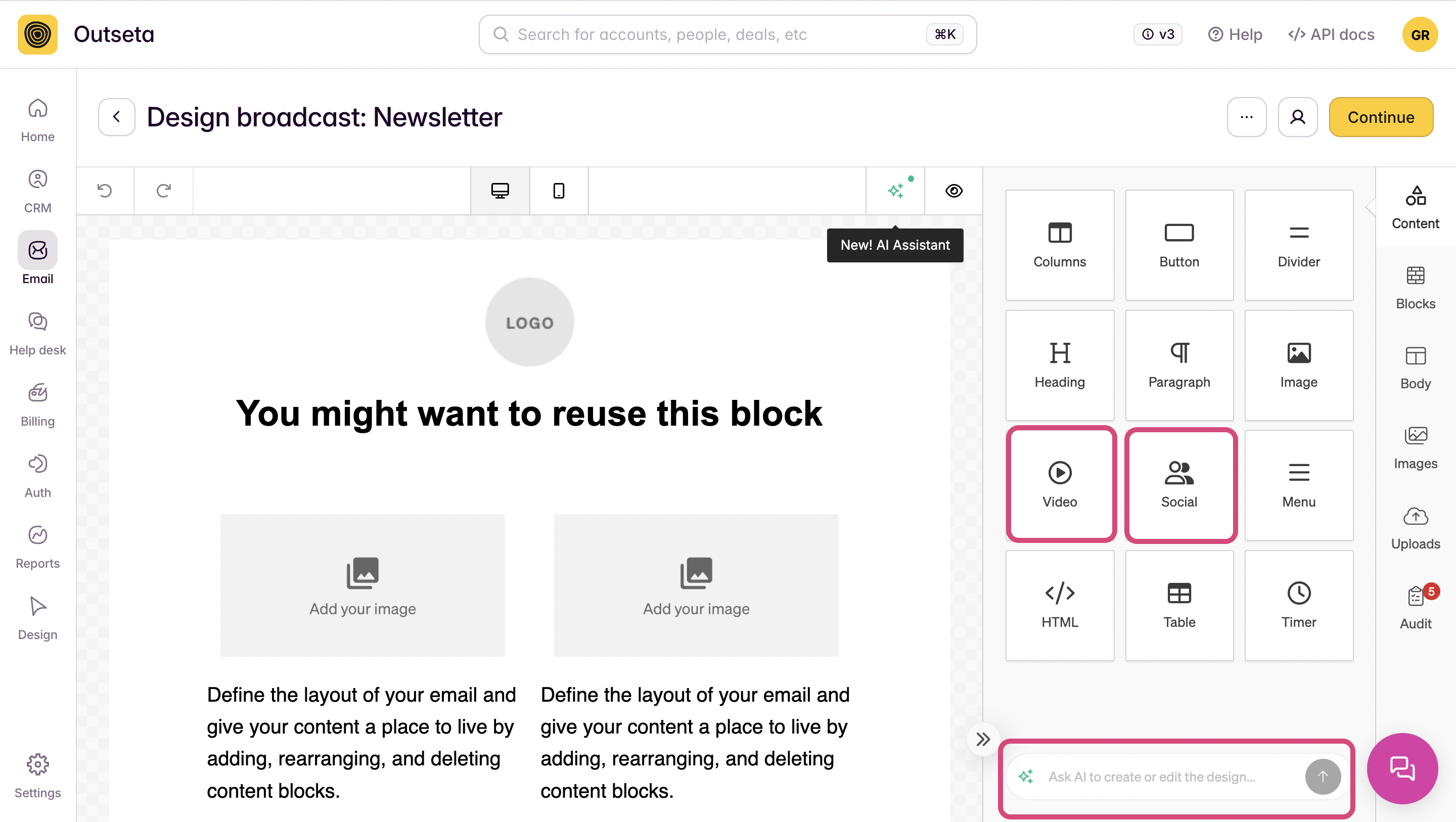
I want to add—we are aware of a pesky issue that's affecting some of you where the text editing toolbar jumps around a bit while you edit your emails. We're working with our partner who provides this email editing library to fix this and hope to have it resolved ASAP.
New Feature! Lead Capture form submission data capture and merge
This one is a bit tricky to explain—but it starts with the idea that Outseta's lead capture forms were initially designed to, well, capture leads! When a lead was submitted the data was captured and a Person record was created in Outseta populated with the submitted data.
Great.
Except many of our customers then started using lead capture forms for other purposes beyond lead capture—they were using this feature as a general purpose form for things like "Contact Us" forms on their website, where you might expect the same form to be submitted repeatedly. This created a security issue—if you entered someone else's email address in a public facing form, you'd be able to update their data in Outseta CRM be submitting the form again and changing the values.
We stopped this from happening for sake of security—if someone who already submitted a lead capture form submitted the form again, we wouldn't overwrite any data that they already submitted. While well intentioned, this created a frustrating experience of data dropout for customers who were using lead capture forms as general purpose forms.
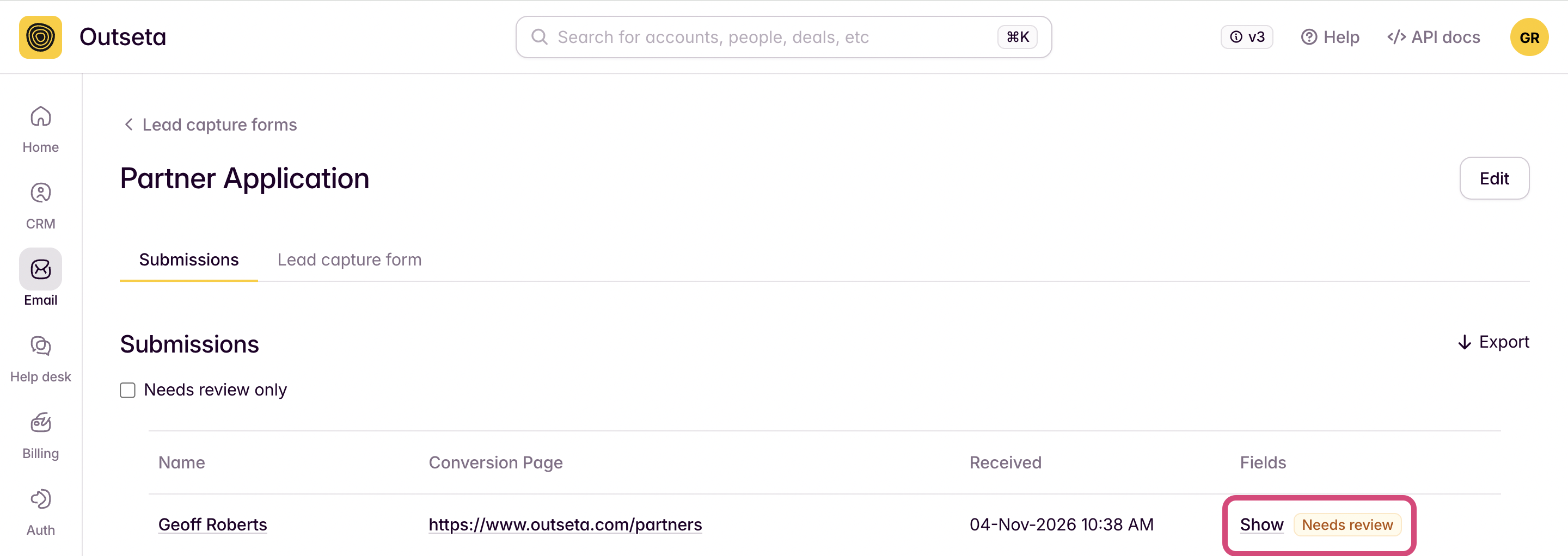
The update we've now made is all form submission data is now captured and stored in Outseta—but it doesn't automatically update the user's Person record. Instead, you can view the submitted information and choose to ignore or update the existing values on the Person record with the new values. Data dropout issue? Solved.
That's all we've got for November! Talk to you all soon.
On this page
Get our newsletter
Try Outseta free for 14 days—you'll have access to every feature. Cancel any time.
