Outseta vs.
Memberstack
If you're building a membership site on Webflow, Outseta and Memberstack are the obvious options. Here's how they differ.

Updated October 2026
Outseta and Memberstack both handle sign-ups, logins, protected content, and Stripe payments. Both let you design your sign-up and login forms natively in Webflow. The difference is what happens after someone signs up.
Memberstack is a membership layer for your website. Outseta is the backend for running a membership business: payments and authentication, plus a CRM, email automation, and a help desk that all share the same member data.
Quick Picks
- Choose Memberstack if you need logins, gated pages, and Stripe checkout on a Webflow site, and you're happy to run your CRM, email automation, and customer support in other tools.
- Choose Outseta if you want those tools in one place. Your member records, billing history, emails, and support conversations live together, so you can onboard new members, win back inactive ones, and see why people cancel without wiring five products together with Zapier.

Outseta vs. Memberstack at a glance
Both offer full design control
For years the main reason Webflow designers picked Memberstack was design control. That's no longer a difference.
Outseta now also allows you to build your own sign up and login forms forms in Webflow and style every element the way you style the rest of your site.

You can still use (and style) Outseta's pre-built embeds, too.
Notable difference in authentication options
Both Outseta and Memberstack support authentication via email / password and Google. Beyond that, there are some notable differences.
- Outseta offers native "Magic Link" login as well as two-factor authentication (2FA)—not just for admin users (logging into Outseta), but also for members logging into your customers' websites.
- Memberstack offers more social login options including GitHub, Facebook, LinkedIn, Spotify, and Dribbble.
What happens after someone signs up
A paywall gets you launched. Growing a membership means onboarding new members, re-engaging quiet ones, answering questions fast, and understanding why people cancel. This is where the two products differ most.
CRM
Outseta includes a true CRM; a single system of record that stores member data, billing history, email activity, support conversations, and tracked custom activities in one place. You can create segments based on any data stored in Outseta and easily report on revenue and cancellations.
Memberstack stores member profiles and custom fields, but for a full CRM Memberstack recommends sending member data to a tool like HubSpot or Pipedrive. These tools come with expensive per user fees.
Both products now send email newsletters and broadcasts to your members. Memberstack added Email Campaigns in June 2026 and it's currently in beta. Outseta's sender reputation and industry leading email deliverability has been built over a decade of sending emails on behalf of our customers.
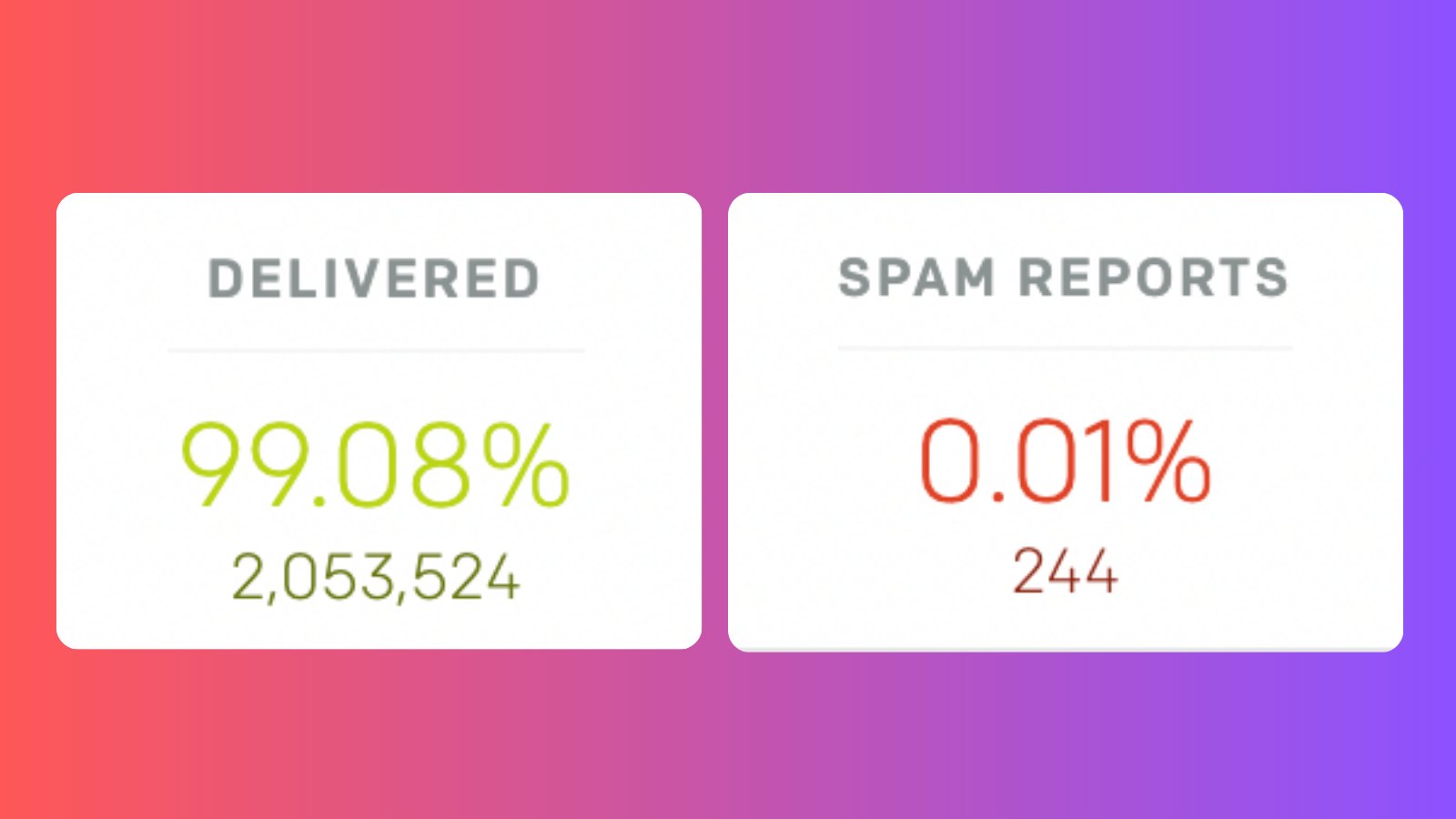
The other difference in terms of email is automation. Outseta includes:
- Onboarding sequences and drip campaigns
- Emails triggered when someone joins a list, enters a segment, or does something on your site
- 17 automated transactional emails, including failed payment notices and team invites
Memberstack's own comparison says drip campaigns and behavior-based automations require a connected tool such as Mailchimp, ActiveCampaign, or ConvertKit.
Help desk
Outseta includes live chat, support tickets, and a knowledge base. Every conversation is linked to the member's CRM record, so you see their plan and billing history while you reply.
Memberstack doesn't include help desk tools. You'd add something like HelpScout, Zendesk, or Fin—again, additional tools that come with significant costs.
It's worth noting that all aspects of Outseta—from payments and auth, to CRM, email, and help desk—can be integrated from directly in the Webflow designer.
Pricing and transaction fees
Both platforms run payments through your own Stripe account. Each charges a platform fee on top of Stripe's standard processing fees.
Outseta starts at $47/month for up to 1,000 contacts with a 2% transaction fee. The transaction fee scales down to 0% on higher tiered plans.
Memberstack starts at $29/month for up to 1,000 members with a 4% transaction fee. Their transaction fee also scales down on higher tiered plans.
On the entry plans, Outseta's payment processing fee is half of Memberstack's. Once you process more than about $900 a month, Outseta's entry level plan costs less than Memberstack's entry level plan.
The bigger difference is what the price covers. Memberstack handles auth, payments, gating, and broadcast email. If you also pay for a CRM, an automation-capable email tool, and a help desk, compare that total cost against one Outseta subscription.
Outseta offers deeper AI compatibility and MCP server functions
Both platforms offer an MCP server, so you can work with them from Claude, Cursor, and other AI tools.
Memberstack's MCP is built mainly for setup: configuring auth, creating plans, managing member metadata, and generating integration code.
Outseta's MCP does that and reaches the rest of your business, because your CRM, subscriptions, email, and support data all live in Outseta.
.png)
AI tools are only as powerful as the context they have—and simply put, Outseta has much richer context on your members than Memberstack. You can ask an AI assistant to review this week's trials, find members at risk of churning, build a customer's full timeline, or audit your knowledge base, all from one connection.
Outseta also publishes an open-source AI Agent Toolkit for those who want to build custom sites with server side protected content. Because it was initially built for SaaS companies, Outseta offers much more robust APIs than Memberstack that allow you to manage nearly all aspects of your business programatically.
Outseta offers automatic syncing with Webflow CMS
Outseta syncs your member data to the Webflow CMS directly—perfect for building personalized dashboards, member directories, and many other use cases.
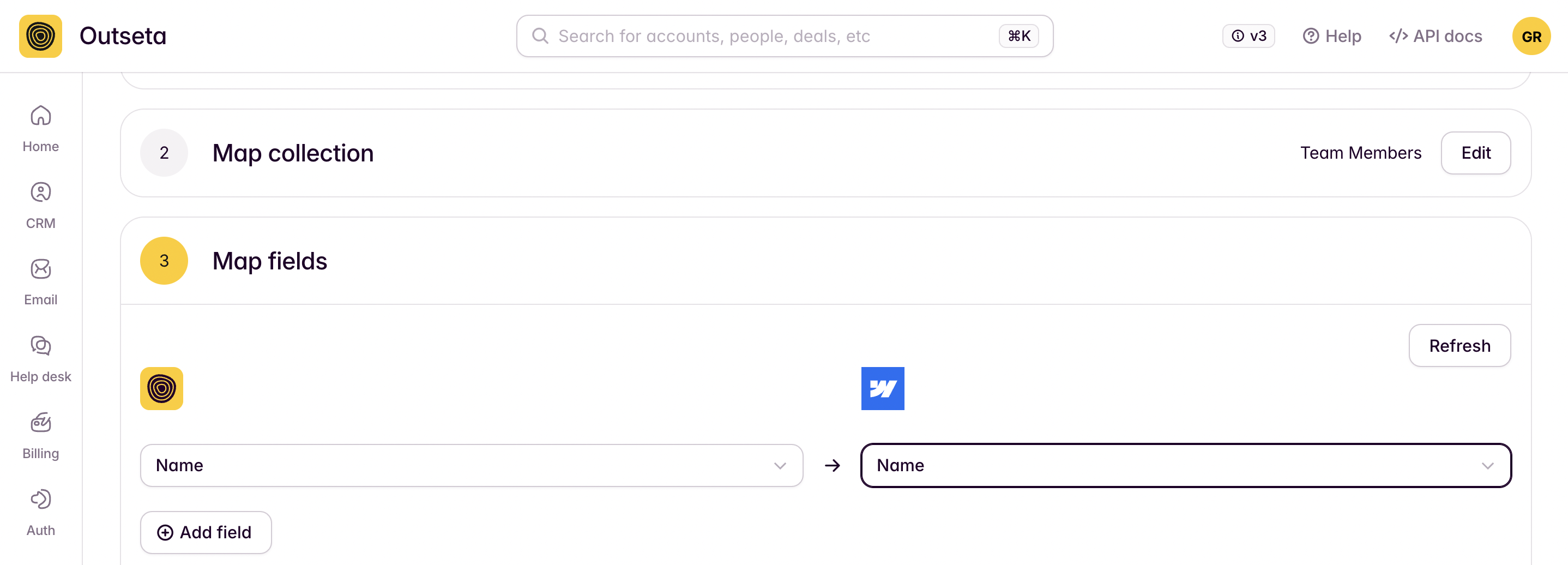
Similar workflows in Memberstack required using third party tools like Zapier or Whalesync.
When Memberstack is the better fit
Memberstack is a good product, and it's the better choice in some situations:
- You only need gating and payments. If you already have a CRM, email platform, and support tool you like, Memberstack's narrower scope may suit you.
- You need many social logins. Memberstack supports Google, GitHub, Facebook, LinkedIn, Spotify, and Dribbble.
- You want to build before you pay. Memberstack is free in test mode until you launch, with no credit card required.
If you're running a membership, association, community, or SaaS business and want the tools to grow and keep members, Outseta is built for that.
Frequently asked questions
Does Outseta give me the same design control in Webflow as Memberstack?
Yes. Outseta's custom forms let you build and style sign-up and login forms directly in Webflow. Pre-built embeds are also available if you want to launch faster.
Is Outseta cheaper than Memberstack?
On entry plans, Outseta's transaction fee is 2% compared to Memberstack's 4%. Outseta's Start plan is $47/month and Memberstack's Basic plan is $29/month, so Outseta costs less once you process more than about $900 a month. Outseta also replaces a CRM, email automation tool, and help desk, which Memberstack users typically pay for separately.
Does Memberstack have email marketing?
Yes. Memberstack launched Email Campaigns in 2026 for newsletters and broadcasts; it's currently in beta. Drip sequences and behavior-based automations require a connected tool. Outseta includes broadcasts, automated sequences, behavior-triggered emails, and transactional emails.
Does Memberstack have a CRM or help desk?
Memberstack stores member profiles and custom fields but doesn't include a CRM or help desk tools. Outseta includes both.
Which is better for SaaS products?
Outseta. It supports free trials, team accounts, per-seat pricing, onboarding sequences, in-app support, and engagement tracking, all connected to billing.
Do both support team or group memberships?
Yes. Both support team plans where multiple users share one membership. Outseta also supports per-user pricing.
Do Outseta and Memberstack have an MCP server?
Yes. Memberstack's MCP focuses on setting up auth, plans, and data tables. Outseta's MCP also covers your CRM, subscriptions, email, and support data, so AI assistants can analyze and act on your whole business.
Does Outseta offer a free trial?
Yes. Every plan has a 14-day free trial (no credit card required) with access to every feature, and a 30-day money-back guarantee.
Switching from Memberstack
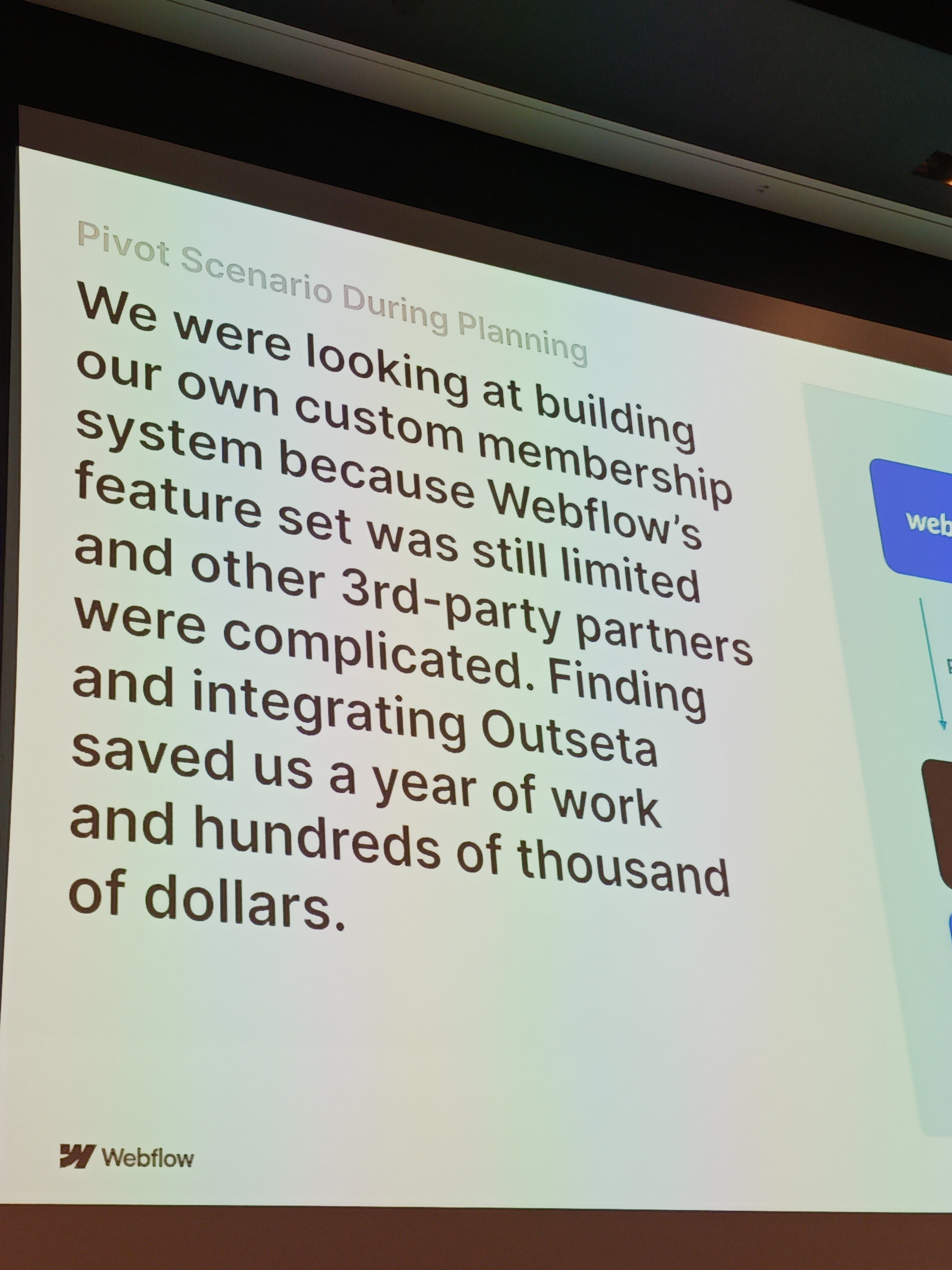
We'll migrate your members and subscriptions for free. Active subscriptions keep running in your Stripe account, members keep their payment details on file, and nobody is charged twice. Our team handles the migration with you.

Already using Memberstack?
We'll migrate your subscribers and payments for free. Your members won't notice a thing.