Best 7 Zendesk Alternatives: Help Desk Software for Small SaaS Teams
Zendesk has over 50,000 paying customers. It powers support for companies with hundreds of agents, multi-brand operations, and complex routing workflows.


Zendesk has over 50,000 paying customers. It powers support for companies with hundreds of agents, multi-brand operations, and complex routing workflows.
But if you're running a SaaS team of 3 to 10 people, that's like renting a warehouse to store a backpack. You don't need all that. And that's exactly why Zendesk alternatives built for small teams keep gaining traction.
Most small SaaS teams want the same core features from their help desk software: a shared inbox, a knowledge base, reliable ticket assignment, and maybe live chat. Not a three-month onboarding process or a support bill that rivals your cloud hosting costs.
The good news is there are plenty of companies like Zendesk that do the job for less. Some are standalone help desks with free tiers. Others skip per-seat pricing entirely. Some bundle support with tools you're already paying for elsewhere.
When Zendesk Stops Making Sense for Your SaaS Team
Zendesk works. Nobody's arguing that. But working and being the right fit are two different things.
A lot of teams sign up for Zendesk because it’s the name they know. Then reality hits.Setup takes longer than expected. The dashboard has 40 features and you use four. Your monthly bill grows every time you add a teammate, even if they barely touch support.
A 5-person team on Zendesk’s Suite plan pays roughly $275 to $575 per month. That’s just for help desk. You’re still paying separately for Stripe, your CRM, your email tool, and everything else in your stack.For an early-stage SaaS doing $10K to $30K MRR, that’s a meaningful chunk of revenue.
Then there's the complexity tax. Small teams don't have a dedicated support ops person configuring triggers, macros, and workflows. You need your help desk software to work out of the box, not after three weeks of setup.
The real question isn’t whether Zendesk is good software. It’s whether your team ever needed something that heavy in the first place.
Quick Comparison: Best Zendesk Alternatives
ToolBest ForStarting PricePer-Seat PricingFree PlanKnowledge BaseBuilt-in CRMOutsetaAll-in-one for SaaS startups$47/moNoNo (7-day trial)YesYesFreshdeskDirect Zendesk replacementFreeYesYes (10 agents)YesNoHelp ScoutEmail-first supportFreeYesYes (5 users)YesNoIntercomChat + AI support$29/seat/moYesNo (14-day trial)YesNoHubSpot Service HubHubSpot ecosystem usersFreeYesYes (limited)YesYes (native)Zoho DeskBudget-friendly help deskFreeYesYes (3 agents)YesVia Zoho CRMCrispChat-first flat-rate supportFreeNo (per workspace)Yes (2 seats)Essentials+ onlyBasic built-in
7 Best Zendesk Alternatives for Small SaaS Teams
Here are the best Zendesk alternatives for small SaaS teams that want less complexity and a lower price tag.
1. Outseta
Outseta is an all-in-one platform that bundles subscription billing, CRM, email marketing, user authentication, and a help desk into a single tool.

Best for: SaaS startups and membership businesses that want to consolidate their stack.
A help desk alone doesn’t cover most early-stage needs. You also need billing, CRM, email marketing, and authentication and you end up paying for each separately.Stripe for payments. HubSpot for CRM. Mailchimp for emails. Then Zendesk for support.That's four or five subscriptions before you've written a single line of product code.
Outseta replaces that entire stack. When a customer submits a support ticket, you see their plan, payment history, and past interactions in one place. No tab switching. No syncing data across tools.
The help desk includes what small teams actually use: shared inbox, ticket assignment, knowledge base, and live chat. Everything works out of the box, without heavy configuration. Because everything lives in one platform, your support team gets full context on every customer without pulling data from somewhere else.
Fewer subscriptions, fewer integrations, and fewer things that can break.For a small team that doesn't have time to manage a patchwork of SaaS tools, that matters more than any single feature on a comparison chart.
Pricing: Starts at $47/month. Unlimited team members on every plan.No per-seat charges. You can try it free for 7 days with full access to every feature including the help desk.
2. Freshdesk
Freshdesk by Freshworks is a standalone help desk platform that offers a similar feature set to Zendesk at a lower price point.

Best for: Teams that want a direct Zendesk replacement without rethinking their entire support setup.
Freshdesk is the closest direct replacement. You get email ticketing, a knowledge base, automation rules, and multi-channel support across email, chat, phone, and social.The interface feels familiar if you're coming from Zendesk, but the learning curve is shorter.
Freshdesk also has a free tier that supports up to 10 agents. That makes it one of the few free Zendesk alternatives worth trying if your team is small and just getting started with support. The free plan is limited though. No automations, no custom fields, and no SLA management. Once you need those, you'll move to a paid tier.
The downside is still per-seat pricing. It’s cheaper than Zendesk, but costs scale with your team.
Pricing: Free plan for up to 10 agents.Growth plan starts at $15/agent/month billed annually.Pro plan at $49/agent/month billed annually. Monthly billing costs more.
3. Help Scout
Help Scout is an email-first customer support platform that runs on shared inboxes and a clean, simple interface.

Best for: Email-heavy support teams that want simplicity.
Help Scout focuses on email support and keeps things intentionally simple. The interface feels like a normal inbox, so teams can start using it immediately.You can assign conversations, leave notes, and manage workflows without complexity.
It also includes a knowledge base (called Docs) and a live chat widget (called Beacon) that suggests help articles before tickets are created.For small teams trying to reduce ticket volume, that's useful out of the box.
The free plan gives you 5 users, 1 inbox, and 1 Docs site. Enough to test it before committing.If you're comparing Help Scout vs Zendesk, the biggest difference is simplicity. Help Scout skips the enterprise features and just works for small teams.
Paid plans still charge per seat though. And if you need phone support or complex automations, you'll hit the limits fast.
Pricing: Free plan for up to 5 users. Paid Standart plan starts at $25/user/month billed annually. Plus at $45/user/month.
4. Intercom
Intercom is an AI-first customer support platform that centers on live chat, in-app messaging, and its AI agent called Fin.

Best for: Chat-first support with AI automation.
Intercom started as a messaging tool and has evolved a full support platform. If your support strategy is centered around live chat and in-app messages rather than email, this is where it stands out. Its AI agent, Fin, can automatically answer customer questions using your help center content and you only pay when it successfully resolves a conversation.
You also get a shared inbox, help center, ticketing, and basic automation on every plan.For product-led SaaS companies, the in-app messaging and product tour features are a bonus most other help desks don't offer.
The tradeoff is pricing. AI resolutions are billed separately, and costs can scale quickly for active teams.
Pricing: Essential at $29 per seat/month (billed annually). Advanced at $85. Expert at $132. Fin AI costs $0.99 per resolution extra. No free plan. 14-day trial available.
For a bootstrapped team, Intercom vs Zendesk often comes down to choosing between two premium tools, both powerful, but potentially overkill for smaller teams.
5. HubSpot Service Hub
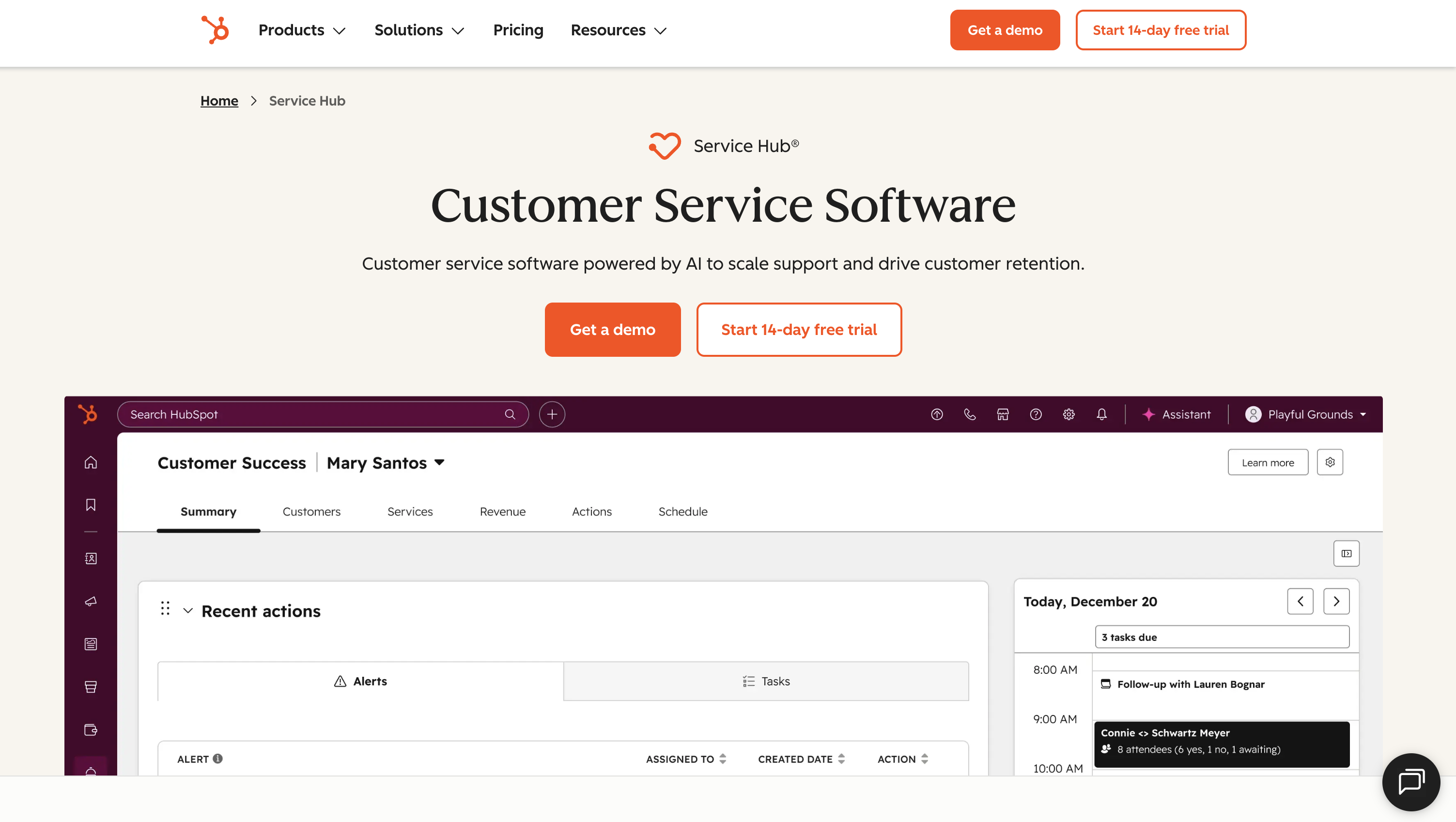
HubSpot Service Hub is a help desk built into HubSpot's CRM platform, covering ticketing, knowledge base, live chat, and customer feedback tools.
Best for: Teams already using HubSpot.
If your team already lives inside HubSpot, adding Service Hub is an easy decision. Your support tickets, customer data, deal history, and marketing activity all live in one place. When a customer opens a ticket, you already know what plan they're on, what emails they've received, and whether they have an open deal. That context saves time.
The free tier includes basic ticketing, a shared inbox, and live chat. Feature access is limited, but it’s enough to test the workflow before committing to a paid plan.
Service Hub really shines when it’s part of the broader HubSpot ecosystem. On its own, it’s not as strong as tools like Freshdesk or Help Scout for pure support use cases. And costs can escalate quickly, the Professional tier at $90 per seat/month also requires a mandatory $1,500 onboarding fee, which is a significant barrier for small teams.
Pricing: Free plan available with limited features. Starter at $9 per seat/month (billed annually) or $15 monthly. Professional at $90 per seat/month. Enterprise at $150.Annual billing required for Professional and Enterprise plans.
6. Zoho Desk
Zoho Desk is a budget-friendly help desk with email ticketing, automation, and multi-channel support at prices well below Zendesk.

Best for: Budget-friendly ticketing and automation, especially for Zoho users.
If budget is your biggest concern, Zoho Desk is hard to beat. The free plan supports up to 3 agents with basic email ticketing and a help center, and paid plans start lower than almost every other tool on this list.
You get all the core help desk features: email ticketing, SLA management, workflow automation, and a knowledge base. The Standard plan adds live chat and basic AI features. If you're already using Zoho CRM, Books, or other Zoho apps, everything connects natively, keeping customer data in one place without extra integrations.
The tradeoffs show up in usability. The interface feels dated compared to newer tools like Help Scout or Crisp, and navigation can be unintuitive. Some useful features are also locked behind higher tiers. Phone support requires a separate Zoho Voice subscription, which adds to the total cost.
Pricing: Free plan for up to 3 agents. Express at $7 per agent/month (billed annually). Standard at $14. Professional at $23. Enterprise at $40.
7. Crisp
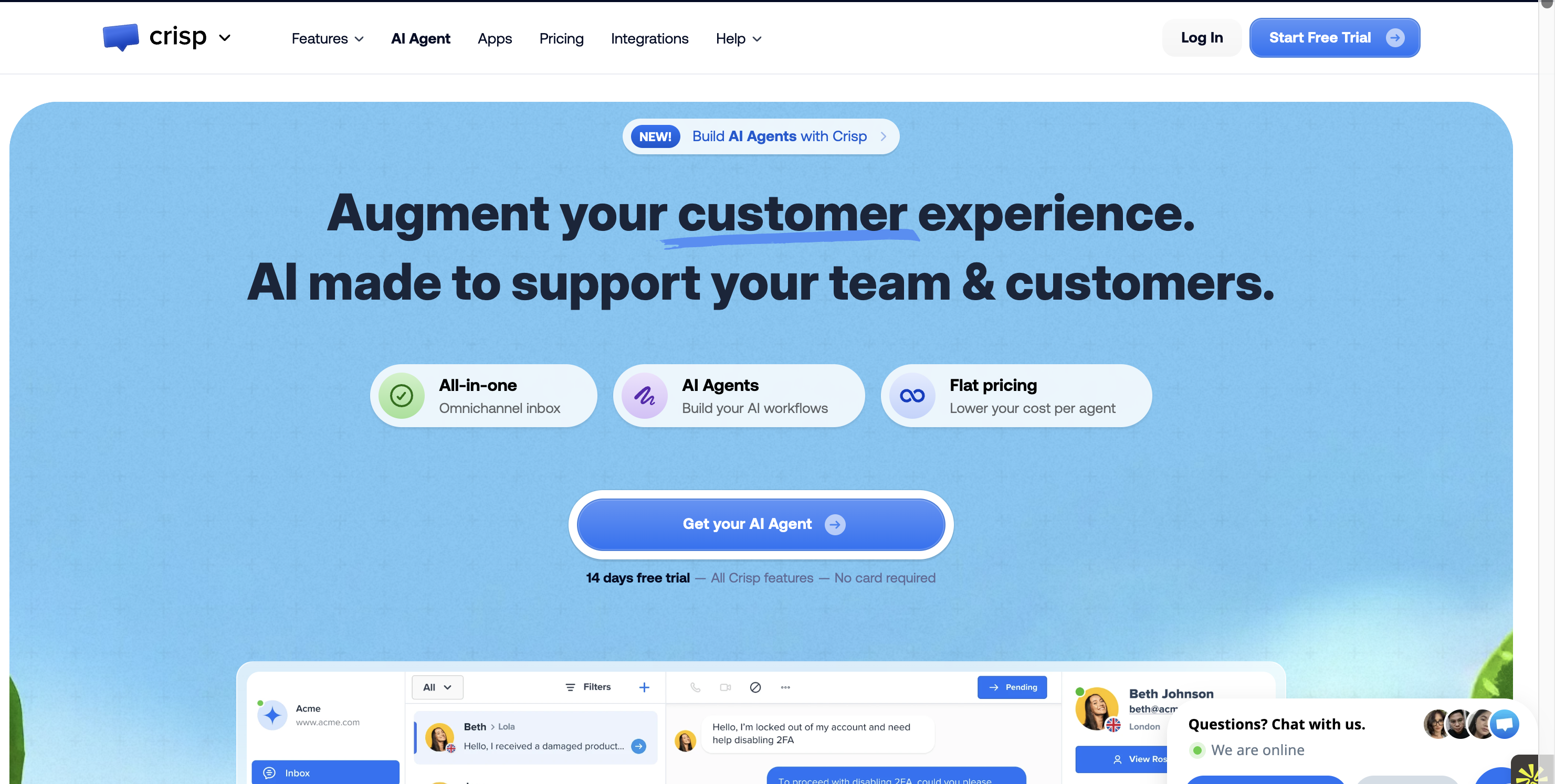
Crisp is a chat-first customer support platform that bundles live chat, shared inbox, knowledge base, and AI chatbot into a single workspace.
Best for: Teams that want flat pricing instead of per-seat costs.
Crisp takes a different approach to pricing. Instead of charging per agent, it uses a flat rate per workspace. Your monthly cost stays the same whether you have 3 people or 10 on the team. For small teams watching costs, that’s a clear advantage over tools like Zendesk or Intercom, where every new seat increases the bill.
The free tier includes 2 seats, a basic chat widget, and a shared inbox. The Mini plan adds email support and chat triggers. Crisp becomes more fully featured at the Essentials tier, which introduces omnichannel messaging, a knowledge base, and AI chatbot functionality.
The tradeoff is in the lower tiers. You won’t get AI, a knowledge base, or full ticketing features until you upgrade, and the jump from Essentials to Plus is significant. Reporting is also more limited compared to tools like Freshdesk or Zoho Desk if you need deeper analytics.
Pricing: Free plan for 2 seats. Mini at $45/month per workspace. Essentials at $95. Plus at $295. All plans are billed per workspace, not per agent.
How to Pick the Right Help Desk for Your SaaS Team
Start with your team size and budget. A 3-person team doesn’t need the same tool as a 20-person support department. If pricing is per seat, think ahead. A tool that looks affordable at 3 users can get expensive fast as you grow to 5 or 6.
Look at your current stack. Most small SaaS teams pay separately for a help desk, CRM, email tool, and billing system. If that sounds familiar, an all-in-one platform can reduce both cost and complexity, even if the help desk alone isn’t the cheapest option.
Match the tool to your support channels. If most tickets come through email, you don’t need a chat-first platform with AI. If your product relies on in-app messaging, a basic inbox won’t be enough. Choose based on how your customers actually reach you.
Test it with real use cases. Comparison tables help, but they don’t show how a tool feels day to day. Run real tickets, create a few help articles, and try your workflow. You’ll know pretty quickly if it fits your team.
Wrapping Up
There’s no single best Zendesk alternative for every team. The right choice depends on your budget, your team size, and how your customers prefer to get support. What matters most is finding a tool that fits your workflow, without paying for features you’ll never use.
Quick recap:
- Replace your entire early-stage stack: Outseta
- Switch to a simpler Zendesk alternative: Freshdesk
- Keep support email-first and lightweight: Help Scout
- Focus on chat and AI automation: Intercom
- Stay within the HubSpot ecosystem: Service Hub
- Minimize costs: Zoho Desk
- Avoid per-seat pricing: Crisp
Ready to simplify your support setup?
If you're juggling separate tools for support, CRM, billing, and email marketing, Outseta brings everything into one place. One login. One system. One bill with unlimited team members.
Start your 7-day free trial → Outseta.com
On this page
Get our newsletter
Try Outseta free for 14 days—you'll have access to every feature. Cancel any time.
