7 Best Intercom Alternatives for Early-Stage SaaS
Explore 7 of the best Intercom alternatives for early-stage SaaS. Compare pricing, features, and find a simpler, more affordable help desk.

Intercom is a $29 per seat, per month problem.
That’s just the starting price. Add a second team member and you’re at $58.Turn on Fin AI, and you’ll pay extra for every resolution it handles. Want product tours? That’s another add-on.Advanced bots? More again. It doesn’t take much for a two-person SaaS startup to hit $300–$500 per month before a single paying customer walks through the door.
If you’re searching for a better Intercom alternative, the good news is there are plenty of options that won’t eat half your runway.
And price isn’t the only issue. Most of what Intercom offers, you simply won’t use, at least not yet. Sales automation, custom workflows, multi-channel campaigns… those are useful when you’ve got a 50-person support team. At an early stage, you just need a way to talk to your customers and respond quickly. That’s it.
This list covers 7 alternatives to Intercom that actually match your stage.Some are completely free. Some go beyond support. And none of them will charge enterprise-level prices while you’re still figuring out product-market fit.
Why Intercom Doesn’t Fit Early-Stage SaaS
Intercom was built for mid-market and enterprise teams. There’s nothing wrong with that, but it creates real problems when early-stage companies try to use it.
Per-seat pricing punishes small teams. Intercom starts at $29 per seat, per month and that’s the lowest tier.The Advanced plan jumps to $85, and Expert goes up to $132 per seat. Add just two or three teammates, and suddenly you’re spending more on support than on your hosting.
Fin AI costs are unpredictable. Intercom charges $0.99 per AI resolution.In a quiet month, that’s fine. But during a product launch or when a bug floods your inbox, costs can spike fast, without warning.You can set a spending cap, but most teams only discover that after a surprise invoice.
You’re paying for features you won’t use (yet). Product tours, advanced bots, multi-channel campaigns, custom workflows, series builders, Intercom bundles all of this because their core customers need it. But a 3-person startup handling 20 tickets a week doesn’t need campaign automation. That extra complexity just slows you down.
Setup takes time you don’t have. Routing rules, bot flows, integrations, Intercom comes with a learning curve. Early-stage founders usually want something simpler: install a widget, reply to customers, and move on.
None of this makes Intercom a bad product. It’s the benchmark most Intercom competitors aim to match. But it’s built for a stage that most early SaaS companies haven’t reached yet.
Quick Overview: Best Intercom Alternatives

7 Intercom Alternatives Worth Trying in 2026
Here are the top alternatives to Intercom that actually fit early-stage SaaS budgets.
1. Outseta

Best for: SaaS startups and membership businesses that want to replace Intercom, Stripe Billing, HubSpot, and Mailchimp with a single platform.
Most Intercom competitors focus on one thing: live chat, ticketing, or email marketing. That usually means juggling three or four tools and stitching them together with Zapier.
Outseta takes a different approach. It bundles your help desk, CRM, subscription billing, email marketing, and user authentication into one platform.
One login. One dashboard. One bill.
The built-in help desk includes live chat, support tickets, and a knowledge base. You can toggle chat on when you're available and off when you're not.When you're offline, visitors are prompted to submit a ticket instead. No bots. No AI filler.
When a ticket comes in, you see the full customer context: subscription plan, lifetime value, and payment history right next to the conversation. No switching between Stripe and your support tool just to understand who you're talking to.
Outseta is also a Stripe Verified Partner, which means you avoid the hidden Stripe Billing fees many tools pass on saving roughly 0.7% per transaction.It works with Webflow, Framer, React, WordPress, and custom stacks.For a deeper dive, check out this detailed Outseta vs Intercom comparison.
Pros:
- Replaces 4-5 tools in one (help desk, CRM, billing, email, auth)
- Unlimited team members on every plan. No per-seat fees
- Customer LTV and payment history visible alongside every ticket
- No hidden Stripe Billing fees (saves ~0.7% per transaction)
- 7-day free trial with full access to every feature
Cons:
- No AI chatbots or automated bots
- Not as feature-deep as dedicated point solutions
Pricing: Starts at $47/month. Unlimited team members on every plan. No per-seat charges.Includes a 7-day free trial with full access to all features, including the help desk.
2. Chatbase
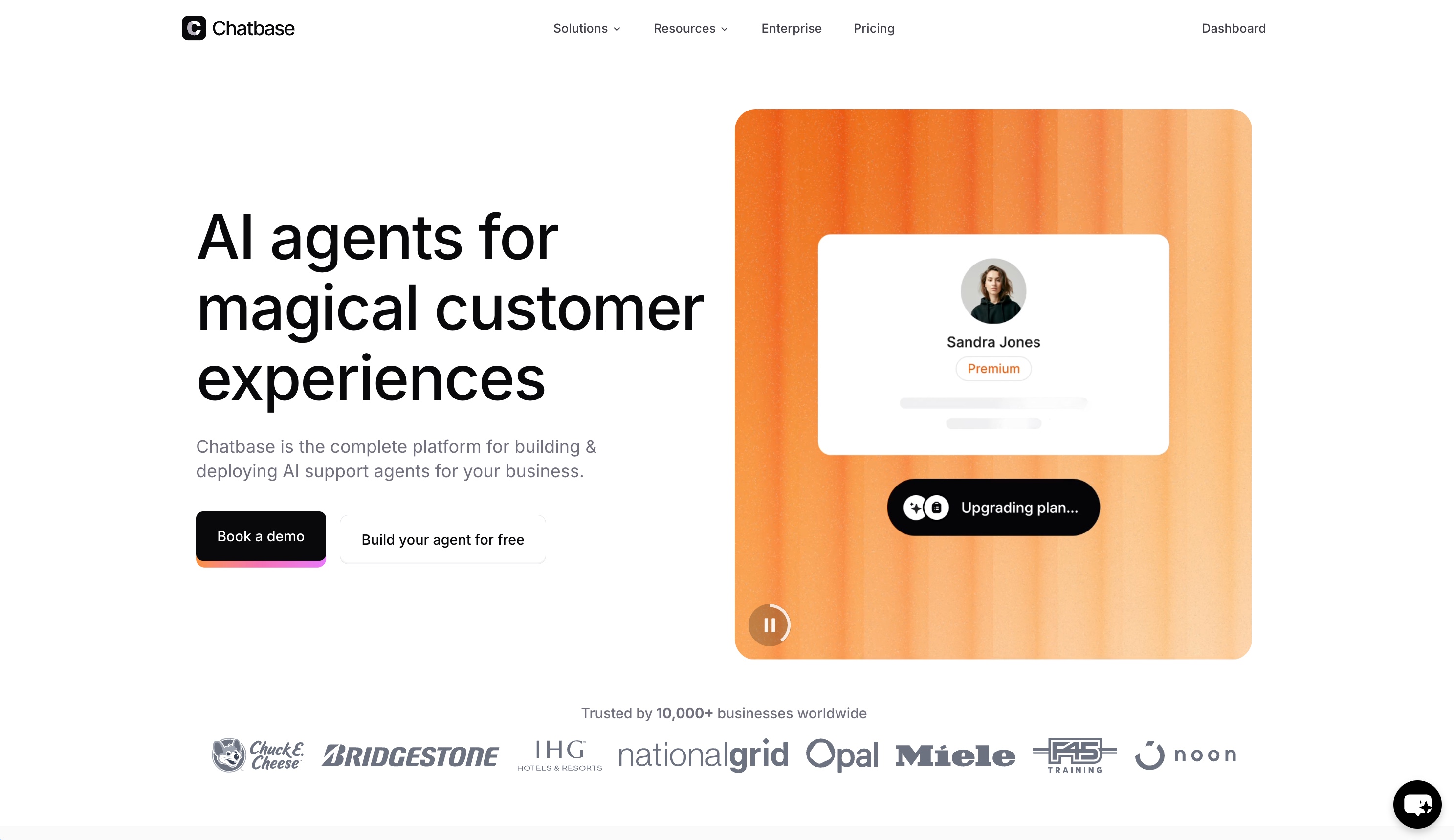
Best for: SaaS teams that want an AI-first support experience trained directly on their product, docs, and knowledge base.
Chatbase takes a very different approach from most Intercom alternatives. Instead of combining live chat, inboxes, and marketing tools, it focuses entirely on AI support.
You upload your docs, help center, or internal knowledge, and Chatbase turns it into a GPT-powered support agent. No flows, no decision trees, no manual scripting.
That makes it especially useful for early-stage SaaS teams with a solid knowledge base but limited time. You can deploy an AI chatbot in minutes, and it will answer questions based on your actual product, not generic templates.
Compared to Intercom’s Fin, the big difference is pricing and simplicity. Chatbase uses a predictable monthly model (starting around $19/month), instead of charging per AI resolution.
The tradeoff is that Chatbase isn’t a full help desk. There’s no shared inbox, ticketing system, or multichannel support built in. It’s AI-first, not support-suite-first.
Pros:
- AI chatbot trained directly on your docs and product
- Fast setup (import content → deploy in minutes)
- Predictable pricing vs per-resolution fees
- Strong for automating repetitive support questions
Cons:
- No built-in live chat inbox or ticketing system
- Limited multichannel support (compared to Intercom/Tidio)
- Less useful if you don’t have good documentation yet
Pricing: Starts around $15–$19/month depending on plan. Free tier available for testing.
3. HelpCrunch
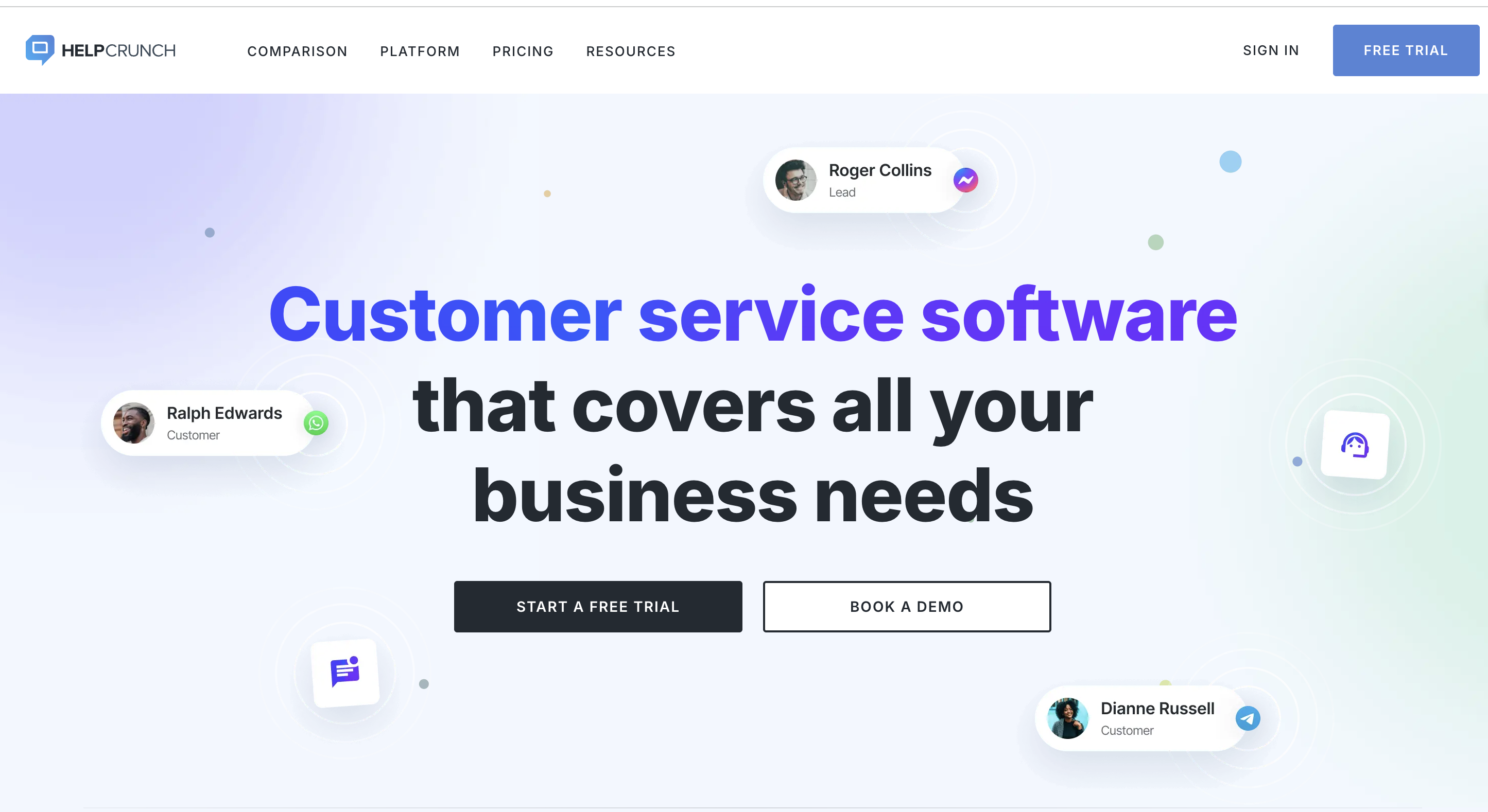
Best for: Startups that want live chat, email marketing, and a knowledge base in one place without paying for separate tools.
If you're using Intercom mainly for chat and email campaigns, HelpCrunch covers both at a much lower price. You get a live chat widget, shared inbox, email marketing with automation, a knowledge base, and popups for lead capture.
Unlike Intercom, there are no per-contact charges. You only pay per team member, so your costs don’t spike as your user base grows. That said, email marketing comes with sending limits on lower plans (around 1,000 emails per member on the Basic plan), so heavier senders may need to purchase additional email packs.
HelpCrunch also supports Telegram and Viber natively, something Intercom still requires third-party integrations to handle.
Pros:
- Live chat, email marketing, knowledge base, and popups in one tool
- No per-contact charges. Unlimited contacts on all plans
- Telegram and Viber support out of the box
- 14-day free trial
Cons:
- AI features and chatbots locked behind the Pro plan
- Email sending limits on lower plans
- No billing or authentication features
Pricing: Basic starts at $15/user/month ($12 annually). Pro starts at $25/user/month ($20 annually). Includes a 14-day free trial.
4. Help Scout
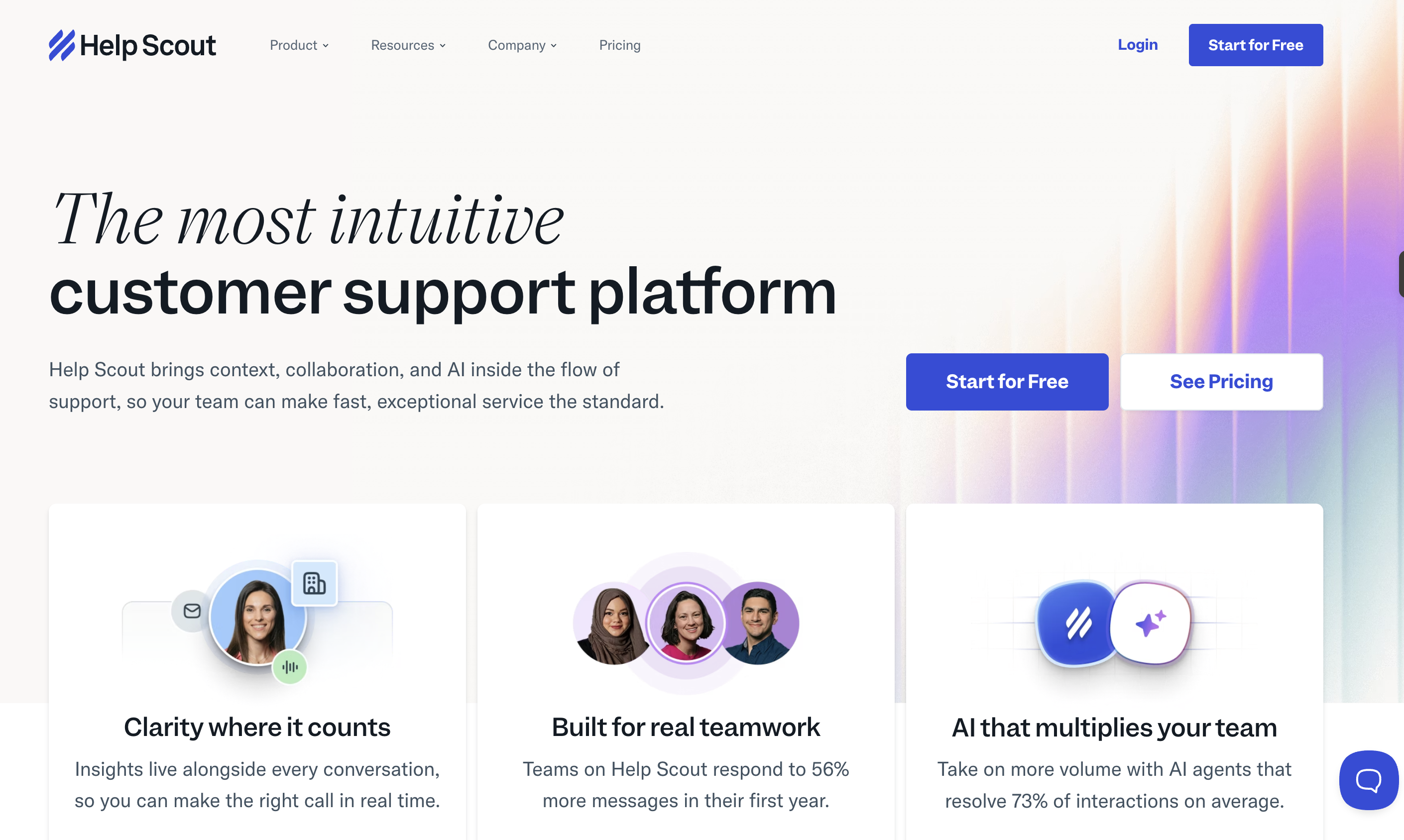
Best for: SaaS teams that handle most support over email and want a clean, simple inbox instead of a bloated help desk.
Help Scout is built around email. Your team works from a shared inbox where conversations look and feel like normal email threads, not tickets filled with IDs and status codes.It’s one of the easiest support tools to set up and start using.
Beyond the inbox, you also get a knowledge base (Docs), live chat via the Beacon widget, and in-app messaging. Beacon lets customers search help articles or start a conversation from the same place, without switching tools. There’s also AI Answers, which can handle routine questions automatically and includes a 3-month free trial.
The interface is clean and distraction-free. If most of your support happens over email and you want something simpler than Intercom, Help Scout is a strong fit.
Pros:
- Shared inbox that feels like email, not a ticketing system
- Knowledge base and live chat widget (Beacon) included
- AI Answers with 3-month free trial
- 15-day free trial, no credit card needed
Cons:
- Per-user pricing ($25/user/mo adds up fast)
- AI Answers billed separately at $0.75 per resolution
- No CRM, billing, or email marketing built in
Pricing: Standard starts at $25/user/month, Plus at $45/user/month, and Pro at $75/user/month. Includes a 15-day free trial.
5. Chatwoot

Best for: Developer-heavy SaaS teams that want full data ownership and no per-seat fees at scale.
Chatwoot is open source under the AGPL v3 license, which means you can self-host the community edition on your own servers for free. Whether you have five agents or fifty, your costs stay tied to infrastructure, not headcount. No per-seat pricing.
The platform includes an omnichannel inbox that brings together live chat, email, WhatsApp, Facebook, Instagram, Telegram, and SMS, all in one dashboard.You also get essentials like canned responses, private notes for internal collaboration, automation rules, and a knowledge base.
For AI support, Captain AI (powered by OpenAI) offers reply suggestions, conversation summaries, and basic FAQ handling. If you choose the cloud-hosted version, it comes with a monthly allocation of free AI credits.
If managing your own servers isn’t your thing, Chatwoot also offers hosted plans. But the main appeal is the self-hosted option, especially for teams that care about data ownership, privacy, or compliance (GDPR, HIPAA).
Pros:
- Open source. Self-host for free with no agent limits
- Omnichannel inbox (chat, email, WhatsApp, Instagram, Telegram)
- 22,000+ GitHub stars with active development
- Full data ownership on your own infrastructure
Cons:
- Self-hosting needs DevOps skills (Docker, PostgreSQL, Redis)
- Captain AI is basic compared to Intercom's Fin
- Free cloud plan deletes data after 30 days
Pricing: The self-hosted community edition is free. Cloud plans start at $19/agent/month (Startup), $39/agent/month (Business), and $99/agent/month (Enterprise).
6. Missive

Best for: Small SaaS teams that want to collaborate on customer conversations in real time, without jumping between email, chat, and Slack.
Missive turns your inbox into a shared workspace. Multiple teammates can draft, edit, and discuss replies together in real time, you can even see a colleague’s cursor as they type. No other tool on this list offers that level of collaboration.
It supports email, live chat, SMS, WhatsApp, Facebook, and Instagram, all from a single workspace. For AI, Missive connects directly to your own OpenAI account, so you pay usage-based costs (pennies per interaction) instead of fixed fees like Intercom’s $0.99 per resolution.
Most SaaS teams land on the Productive plan ($30/user/month), which unlocks automation rules, SLA tracking, integrations, and analytics.There’s also a free plan for up to 3 users, though it limits email history to 15 days.
Pros:
- Real-time co-authoring on shared drafts (unique in this category)
- AI via your own OpenAI key (no per-resolution fees)
- Multichannel (email, chat, SMS, WhatsApp, Instagram)
- 30-day free trial, no credit card needed
Cons:
- No knowledge base built in
- Per-user pricing adds up as team grows
- Smaller integration ecosystem (~25 native apps)
Pricing: Free for up to 3 users. Paid plans start at $18/user/month (Starter), $30/user/month (Productive), and $45/user/month (Business).Annual billing offers a 20% discount.
7. Tawk.to

Best for: Very early-stage startups with zero budget that need live chat, ticketing, and a knowledge base at no cost.
If you’re looking for a free Intercom alternative with no strings attached, Tawk.to is hard to beat. There are no limits on agents, chat volume, or websites. You get live chat, a ticketing system, a knowledge base, and even a lightweight CRM, completely free.
The business model is straightforward. Tawk.to monetizes through optional services like hired chat agents (starting at $1/hour) and add-ons such as branding removal and AI Assist. The core product remains free: no ads, no data selling.
The chat widget supports 45+ languages and includes features like automated triggers based on visitor behavior, canned responses, and real-time visitor monitoring. It’s customizable enough to cover most early-stage needs.
The trade-off is polish. The interface feels dated compared to tools like Missive or Help Scout. And while there is an AI Assist add-on, it’s relatively basic compared to more advanced options like Tidio or Intercom.
Pros:
- 100% free with no agent or chat limits
- Includes ticketing, knowledge base, and basic CRM
- Supports 45+ languages
- Hired agents available at $1/hr if you need coverage
Cons:
- "Powered by tawk.to" branding (removal costs $29/mo)
- UI feels outdated compared to modern tools
- AI features are limited and cost extra ($29/mo)
Pricing: Free forever. Optional add-ons include branding removal ($29/month), AI Assist ($29/month), and hired chat agents starting at $1/hour.
How to Pick the Right Intercom Alternative
Switching support tools can feel like a big move.But sticking with a platform that costs more than it should and does more than you need is worse. Here’s how to approach it.
Start with what you actually use
Do you need live chat, email support, or both? Are you handling 10 tickets a week or 200?If your team is two people replying to emails, you don’t need an omnichannel platform packed with bot workflows. Focus on what you use daily, not the features that just sit there collecting dust.
Watch the pricing model
Per-seat, per-conversation, per-resolution, they all scale differently.A tool that looks cheap at $15/user/month can end up costing more than a $47 flat-rate option once your team grows to four or five people. Always calculate your real monthly cost based on your current setup, not the headline price.
Think about your full stack
If you’re already paying for a CRM, email marketing tool, and billing platform on top of your support tool, an all-in-one solution might save more than just switching help desks.Look at your total spend across tools before making a decision.
Check integrations
Does it work with your stack? Webflow, Shopify, Stripe, Slack?If it doesn’t integrate cleanly, you’ll spend more time on workarounds than on actual support.
Try before you commit
Most tools on this list offer free plans or trials.Set up a real conversation, reply to a test ticket, invite a teammate. Five minutes of hands-on testing beats hours of regret later.
Conclusion
Intercom is a great product for the wrong stage.Early on, you need tools that are fast, affordable, and simple without forcing you into workflows built for 100-person support teams.
Quick recap:
- Support, billing, CRM, and email in one platform: Outseta
- Chat plus email campaigns without separate tools: HelpCrunch
- AI chatbot with a free entry point: Chatbase
- Email-first support with a clean inbox: Help Scout
- Open source with full data control: Chatwoot
- Real-time team collaboration on replies: Missive
- Live chat at zero cost: Tawk.to
Give Outseta a Try
Outseta combines help desk, subscription billing, CRM, email marketing, and authentication in a single platform. If you've been searching for an intercom live chat alternative that does more than just chat, this is it.
No per-seat fees. Unlimited team members. No contracts.
Start your 7-day free trial → Outseta.com
Every feature is unlocked from day one. No credit card needed.
On this page
Get our newsletter
Try Outseta free for 14 days—you'll have access to every feature. Cancel any time.
