10 Best Memberstack Alternatives for 2026
Discover 10 other membership platforms with unique features you might love.


Updated October 2026
Are you using Memberstack but hitting some walls?
Whether you need something that works across different platforms, want an all-in-one solution that doesn't require five other subscriptions, or just need features that Memberstack doesn't offer, there are lots of great options to consider.
This guide covers 10 solid alternatives to consider in 2026. Some are cheaper. Some have way more features. Some work with any website platform you throw at them. Each one is unique in terms of the use case and circumstances that may make it the best fit for you.
Quick Picks
- Best replacement for Memberstack on Webflow sites? Outseta
- Best for online communities? Circle or Mighty Networks
- Best for course creators? Kajabi
Methodology
It's worth noting that I'm a Co-founder of Outseta, one of the alternatives mention below. As such, I'm biased! My only ask is that you assume that just as you would assume the bias in any post written by any of the other companies on this list.
While that's the case, I bring 10+ years of experience building memberships sites—and I have direct experience with every product on this list. I've tried to share information as much "non-negotiable" data like pricing and who each tool is best suited for based on the feature set. Ultimately this post is most helpful to me, if it's genuinely helpful to you.
Quick Comparison: Top Memberstack Alternatives
Why people leave Memberstack
As someone who has personally migrated dozens of sites off of Memberstack, there's been a few consistent themes that have come up in terms of why people were interesting in migrating.
High transaction fees—particularly on the basic plan
Memberstack's subscription fees on their entry level plan are affordable, but their payment processing fees when you're just starting out really sting. Memberstack charges a 4% fee of their own—which is in addition to Stripe's standard transaction fees (2.9% + $.30 per transaction in the US)—in addition to "Stripe Billing" fees (.7% per transaction). That means that you're looking at at least 7.6% per transaction in processing fees on every payment when you're just starting out.
Even if you upgrade to their next tier, they're still taking a 2% fee in addition to Stripe's fees.
Webflow focus
Memberstack can be used with other platforms, but so much of it's functionality is tied to using data attributes—which fits naturally in Webflow’s designer. On builders that don’t expose attribute controls—like Squarespace, Wix, or Framer—you’re typically limited to its pre-built modals or writing JavaScript against its API. Outside Webflow, the fully custom, no-code Memberstack experience (why most people use Memberstack) mostly disappears.
Cost and need for additional third party tools
Memberstack handles the basic membership sites functions; payments, logins, and protected content. But for successful businesses that find themselves also in need of tools to run their day-to-day operations, that means that additional third party tools and expenses are incurred. This most often includes things like:
- CRM tools
- Email automation software
- Help desk tools
The costs of these additional tools is significant—and there's real work in integrating each with Memberstack, too.
Webflow CMS sync
Membership software tools like Outseta have also built some particularly deep features particularly for Webflow sites—one of which is automatically syncing membership data to Webflow CMS collection items. This is a super common use case within the Webflow ecosystem, used for everything from building personalized dashboards to member directories.
With Outseta this is a native, direct integration with Webflow—with Memberstack you're reliant on using tools like Zapier or Whalesync.
Now let's dive into the Memberstack alternatives that may better suit your needs.
The 11 Best Memberstack Alternatives
We've reviewed dozens of membership platforms and narrowed it down to these 11 alternatives. Each one solves specific problems that Memberstack users face. Some work across any platform, others include built-in tools that eliminate extra subscriptions, and a few focus on specific use cases like courses or communities.
Here's the complete breakdown.
1. Outseta
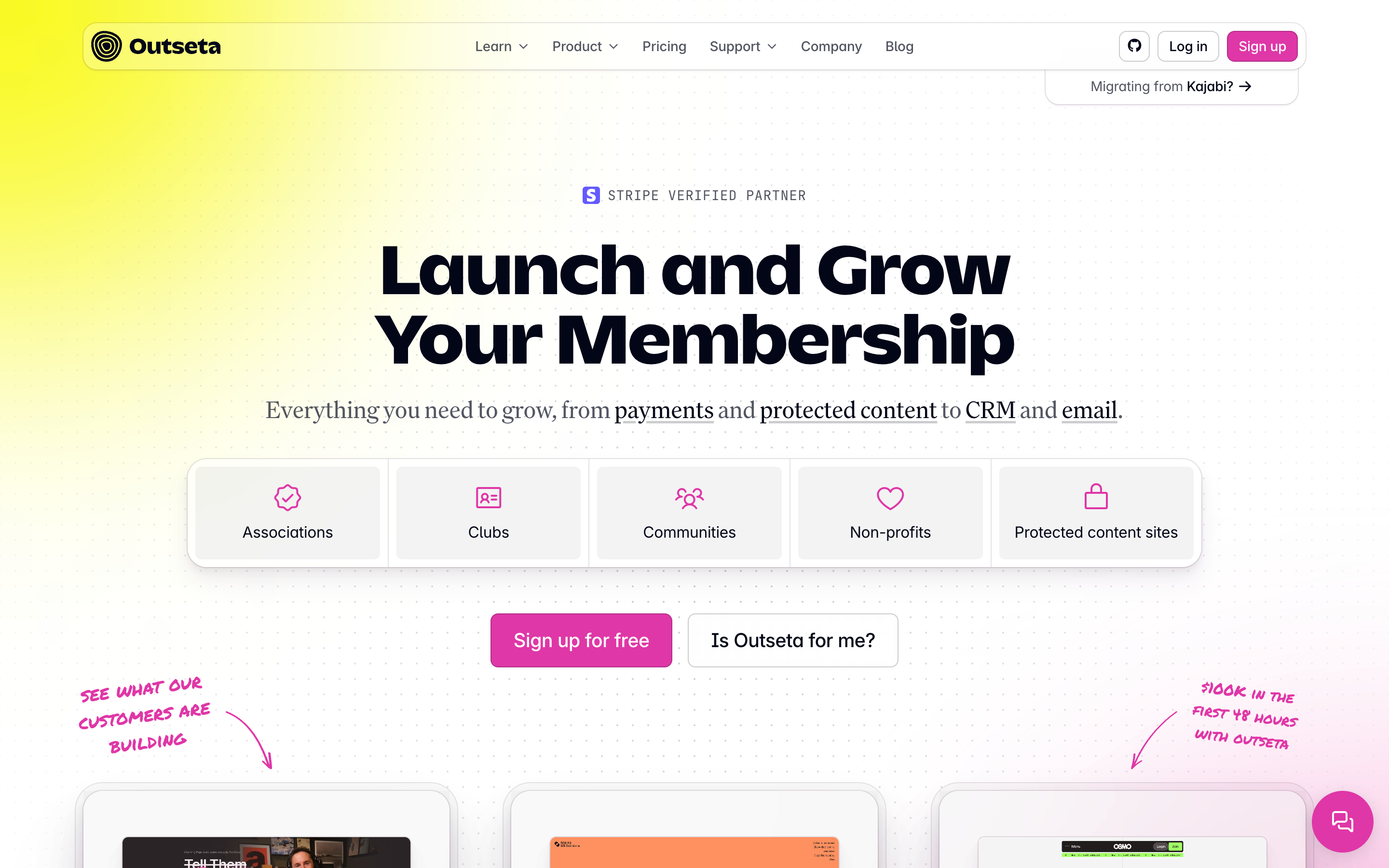
Best for: Adding memberships to your existing website and organizations who want an all-in-one tool to manage their membership
Membership organizations who want to integrate membership functionality into their own website and want to business tools (CRM, email, help desk) to grow and support their member base.
Outseta is the most complete membership management software that also deep ties within the Webflow ecosystem. Instead of duct-taping together five different tools for payments, CRM, email marketing, support, and authentication, Outseta handles everything in one platform.
The platform works with any website builder, not just Webflow. Whether you use WordPress, Squarespace, custom code, or anything else, Outseta integrates through embeddable forms and APIs. This flexibility makes it a strong choice for businesses that don't want platform lock-in.
Key Features:
- Subscription billing and payment processing through Stripe
- Authentication and content protection
- Built-in CRM and member management
- Email marketing with automated sequences
- Help desk
- Group and individual memberships
- Automated Webflow CMS syc
Pros:
- Replaces 4-5 different tools
- Automated CMS sync with Webflow and powerful Webflow app
- Full design control to integrate sign up and login with native Webflow forms
- Responsive customer support
- Works with any platform
- 14-day free trial with full access
Cons:
- All-in-one means significant setup time to embrace the full feature set
Pricing:
Starts at $47/month for up to 1,000 contacts with 2% transaction fee.
Read more our Outseta vs. Memberstack post for a head-to-head comparison.
Try Outseta free for 14 days—you'll have access to every feature. Cancel any time.

2. MemberSpace
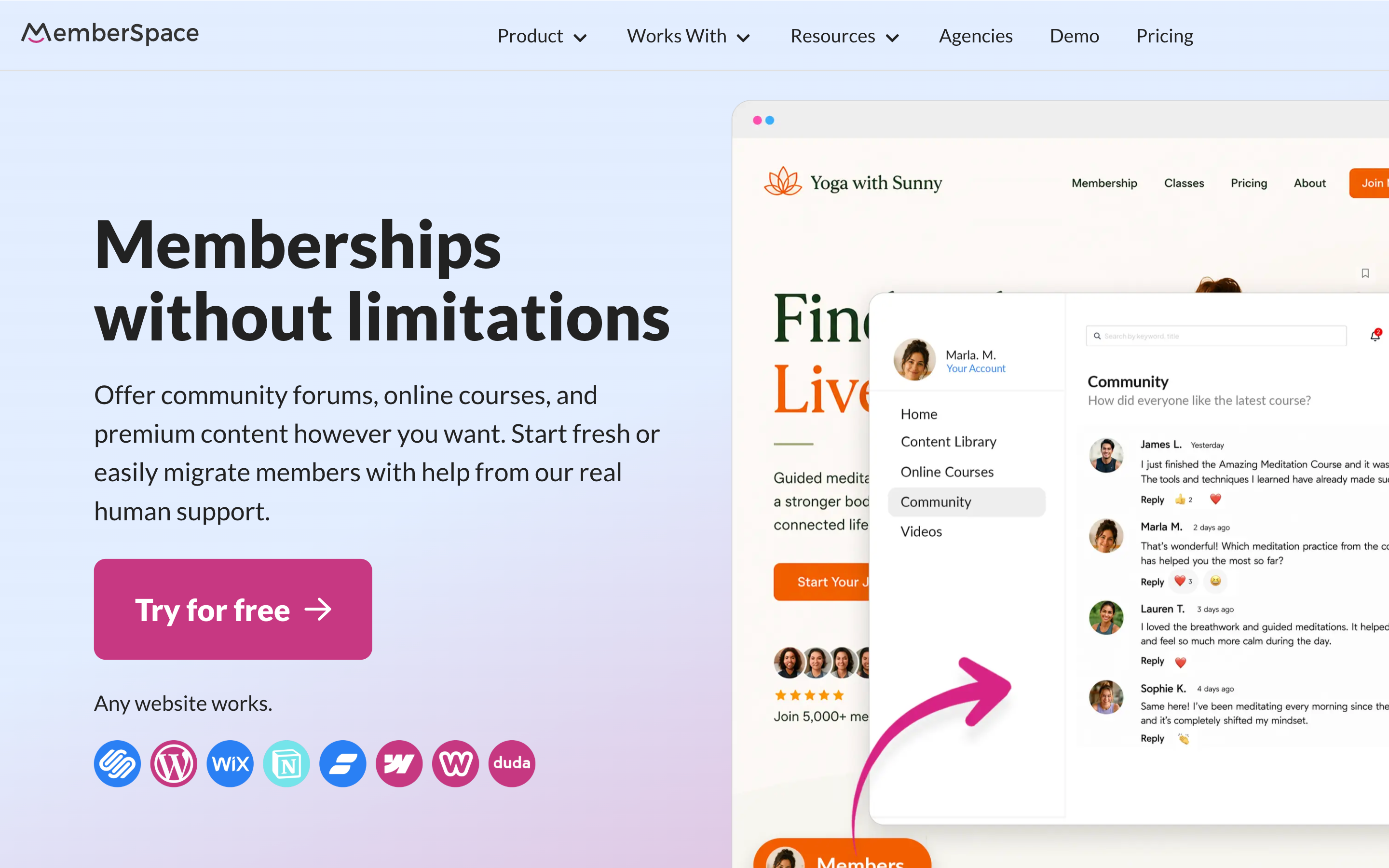
Best for: Simple membership management on your own website
MemberSpace works with virtually any website platform. Whether you use WordPress, Squarespace, Wix, Webflow, or Notion, you can add membership features in about 5 minutes without coding. Its ability to work on any platform makes it a real, practical solution for businesses that need flexibility.
The setup is straightforward. You install MemberSpace, protect your content, set up pricing plans, and start accepting members. You don't need to rebuild your site or migrate to a new platform.
Key Features:
- Universal platform compatibility (WordPress, Squarespace, Wix, Webflow, Notion)
- Content protection for specific pages and products
- Multiple payment options (recurring, one-time, installments)
- Automated payment recovery and churn prevention
- Member messaging and email newsletters
Pros:
- Works with any website builder
- Simple 5-minute setup with no coding
Cons:
- 5% transaction fees to start
- Limited design customization
Pricing:
Starts at $39/month with a 5% transaction fee
3. Circle.so
Best for: Community-first membership businesses
Circle.so focuses on building engaged communities rather than just gating content. The platform feels more like a modern social network than a traditional membership site. Members can participate in discussions, join live streams, take courses, and attend events all in one place.
The interface is clean and Slack-like, which makes it easy for members to navigate and stay engaged. Circle isn’t just for locking content behind a paywall, it creates an interactive space where members actually want to hang out.
Key Features:
- Modern community spaces with discussion feeds
- Built-in course hosting and content delivery
- Native live streaming capabilities
- iOS and Android mobile apps included
- Events management and calendar integration
Pros:
- Combines community and courses seamlessly
- Unlimited members on Professional plan
- Mobile apps included in all plans
Cons:
- Expensive; additional costs for many features
- Experience feels more templated with fewer customization options
- Transaction fees on top of monthly cost
Pricing:
Starts at $89/mo + 2% transaction fee. Additional fees for email and many other features.
4. Memberful
Best for: Publishers and podcasters using Wordpress
Memberful integrates seamlessly with your existing website and tech stack. It works particularly well with WordPress through its popular plugin, but you can also use it with any website through embedded links. The platform lets you maintain your brand identity and design while adding membership features.
Owned by Patreon, Memberful focuses on flexibility and simplicity. You control where your content lives and how it looks. The platform handles subscriptions, payments, and member management without forcing you into a specific design or platform.
Key Features:
- WordPress plugin with deep integration
- Private podcast hosting capabilities
- Custom member portal and profiles
- Stripe-powered payment processing
Pros:
- Works with your existing website design
- Strong WordPress integration
- Unlimited members on all plans
Cons:
- 4.9% transaction fee on top of Stripe fees
- Limited built-in marketing features
Pricing:
$49/month plus 4.9% transaction fee
5. Kajabi
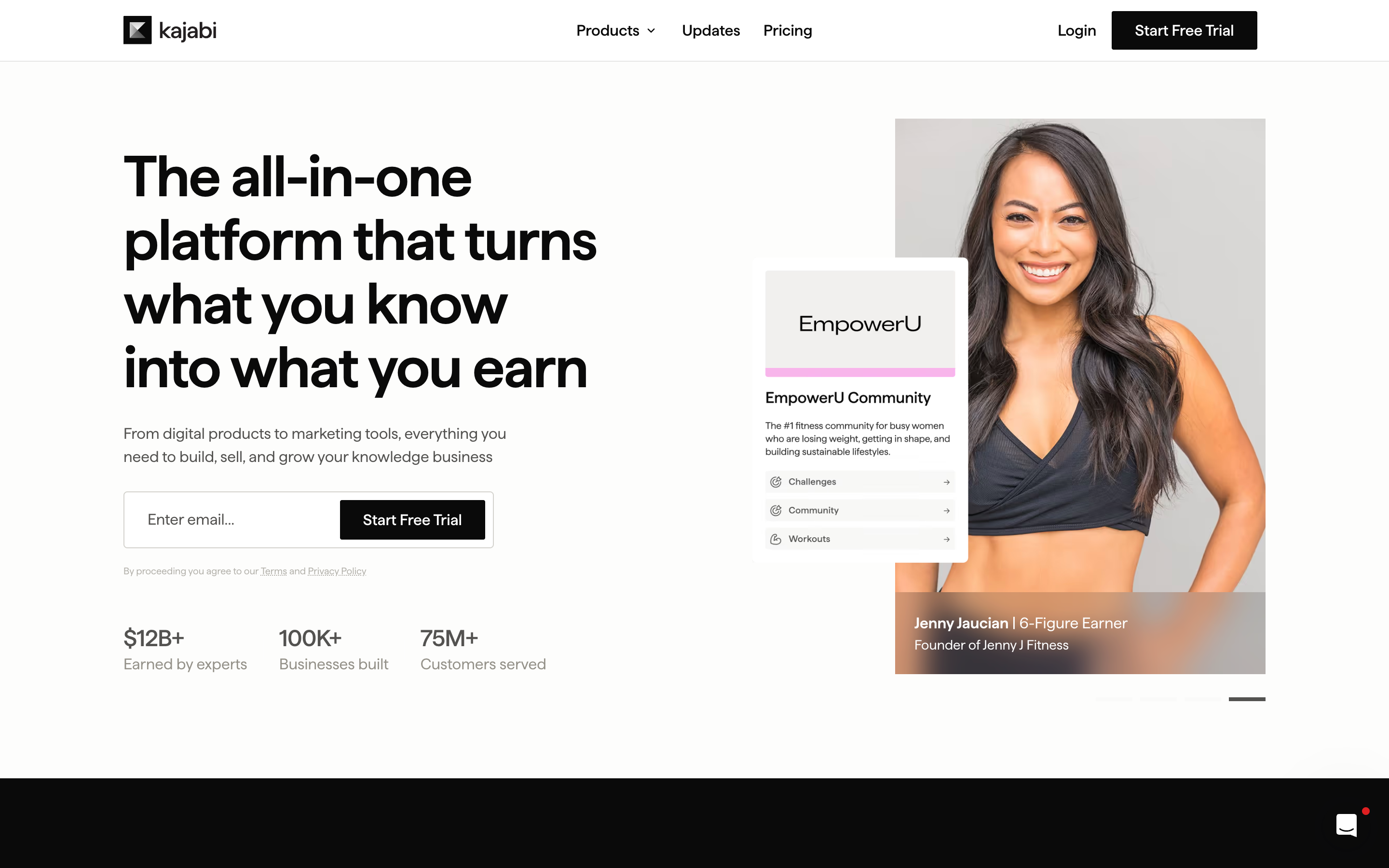
Best for: Course creators and coaches who want an all-in-one platform
Kajabi is an all-in-one platform that goes beyond basic memberships. It combines course creation, website hosting, email marketing, sales funnels, and membership management in a single tool. For creators selling courses, coaching programs, or digital products, Kajabi eliminates the need for multiple subscriptions.
The platform handles everything from landing pages to checkout to student management. While it costs more than basic membership tools, it replaces what would typically require several separate platforms like ClickFunnels, ConvertKit, and Teachable.
Key Features:
- Complete course creation with video hosting and assessments
- Built-in website builder with customizable templates
- Email marketing and automation workflows
- Sales funnels and landing pages
Pros:
- Truly all-in-one solution for digital products
- Includes 24/7 customer support
- Strong analytics and reporting
Cons:
- Expensive starting price for beginners
- Steep learning curve with many features
Pricing:
Starts at $179/month. No additional transaction fees is you use Kajabi payments—2% transaction fee for third party payment providers like Stripe.
6. Podia

Best for: Creators who value simplicity and want an all-in-one solution
Podia focuses on making everything simple. The platform combines course hosting, digital downloads, memberships, webinars, and email marketing in one place. You can build your entire online business without juggling multiple tools or learning complex systems.
The interface is clean and intuitive. No coding required, no complicated setup processes.
Key Features:
- Unlimited products and courses on all plans
- Digital downloads and membership sites
- Built-in email marketing with automation
- Webinar hosting capabilities
- No-code website builder
Pros:
- Built-in email marketing (free for first 100 subscribers, paid add-on thereafter).
- Unlimited products and bandwidth
- 30-day free trial with full access
Cons:
- 5% transaction fee to start
- Zoom integration and affiliate marketing only come on higher plans
Pricing:
Starts at $49/month plus 5% transaction fee (up to 100 subscribers)
7. Wild Apricot
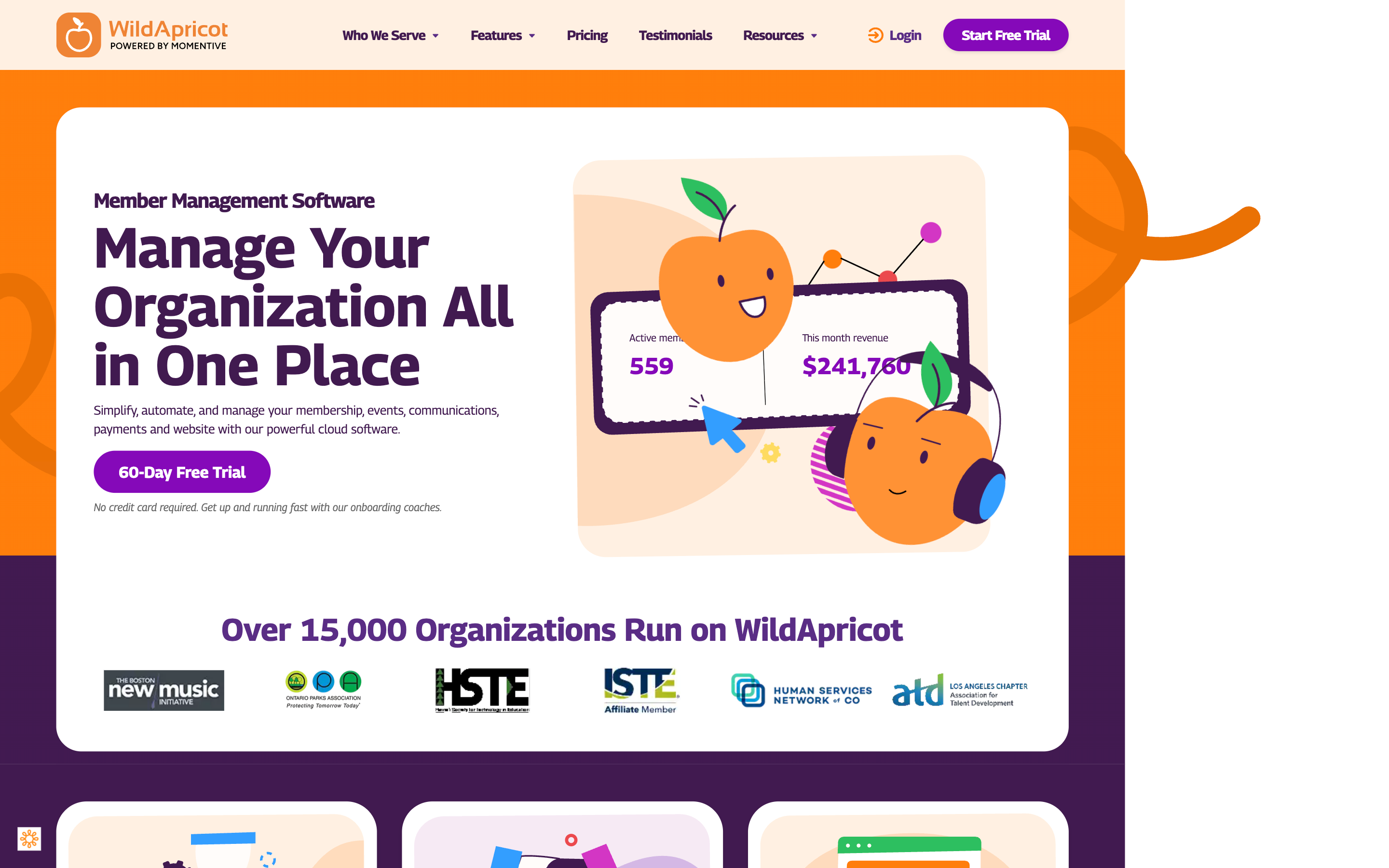
Best for: Non-profits and associations
Wild Apricot specializes in serving member-based organizations like clubs, associations, and non-profits. The platform handles everything these organizations need in one place like membership database, event registration, payment processing, and a website builder.
Renewal reminders, payment processing, event registrations, and member communications all happen automatically once you set them up.
Key Features:
- Complete membership database management
- Event registration and ticketing system
- Drag-and-drop website builder
- Automated payment processing and renewals
- Email marketing and member communications
Pros:
- Purpose-built for associations and non-profit
- 60-day free trial (no credit card required)
Cons:
- Outdated interface compared to modern platforms
- Additional 20% charge on subscription fees if you try to use Stripe or PayPal instead of their native payment processor
- Complaints of frequent price increases and difficult to reach support
Pricing:
Starts at $66/month for up to 100 contacts.
8. MemberPress
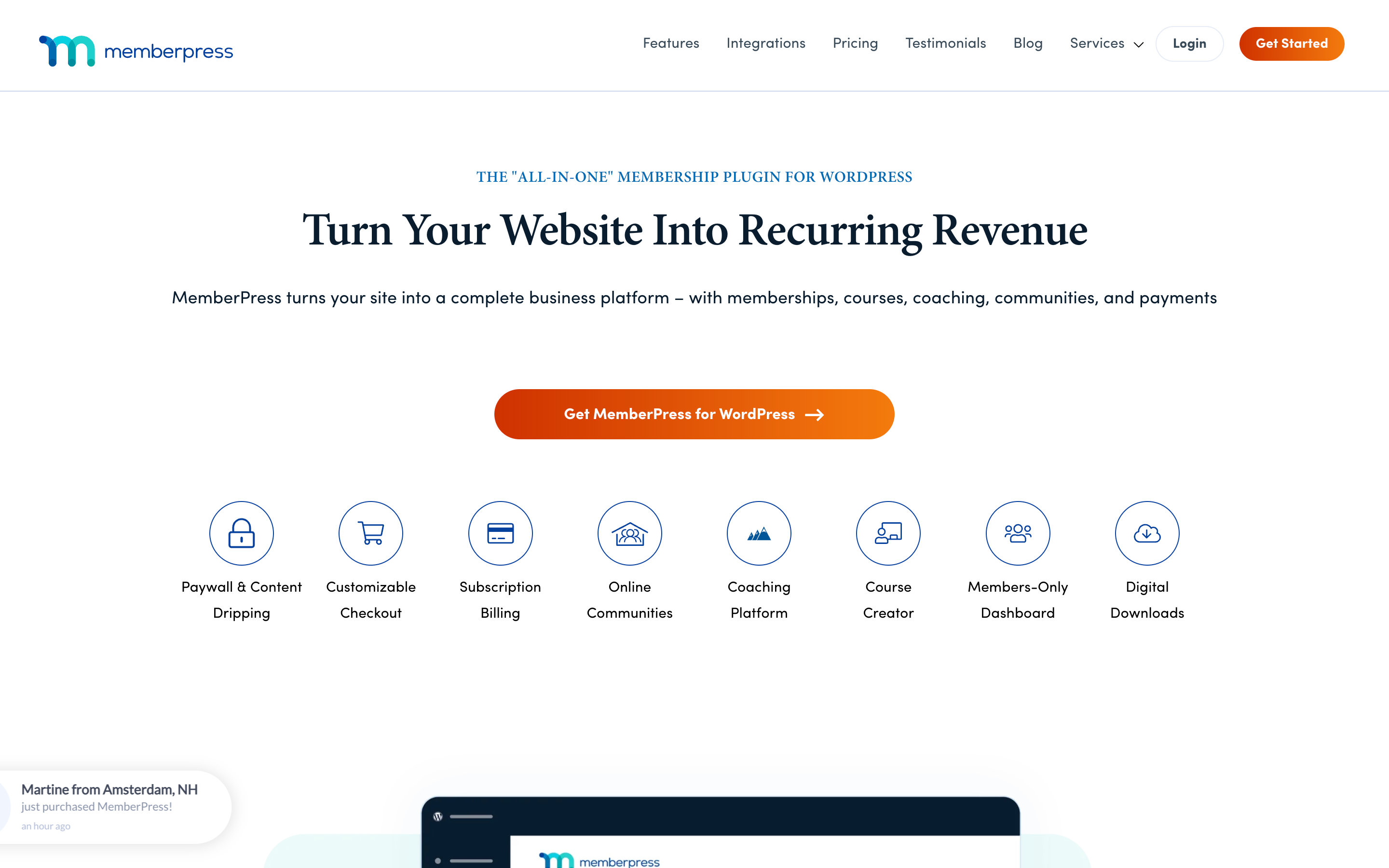
Best for: WordPress power users wanting complete control and customization
MemberPress is a powerful WordPress plugin designed specifically for creating membership sites. It integrates deeply with WordPress, giving you complete control over your content, members, and subscriptions without leaving your WordPress dashboard.
The plugin handles everything from content protection to payment processing. You can create unlimited membership levels, drip content over time, and build complex access rules. MemberPress works with your existing WordPress theme and plugins.
Key Features:
- Advanced content dripping and access rules
- Multiple payment gateway support (Stripe, PayPal, Authorize.net)
- Coupon system and discount codes
- Built-in course creation functionality
Pros:
- Deep WordPress integration
- Highly flexible and customizable
- Strong community and documentation
Cons:
- WordPress only (no other platforms)
- Requires technical knowledge to use fully
Pricing:
Starts at $199.50/year + 4.9% transaction fee.
9. Mighty Networks
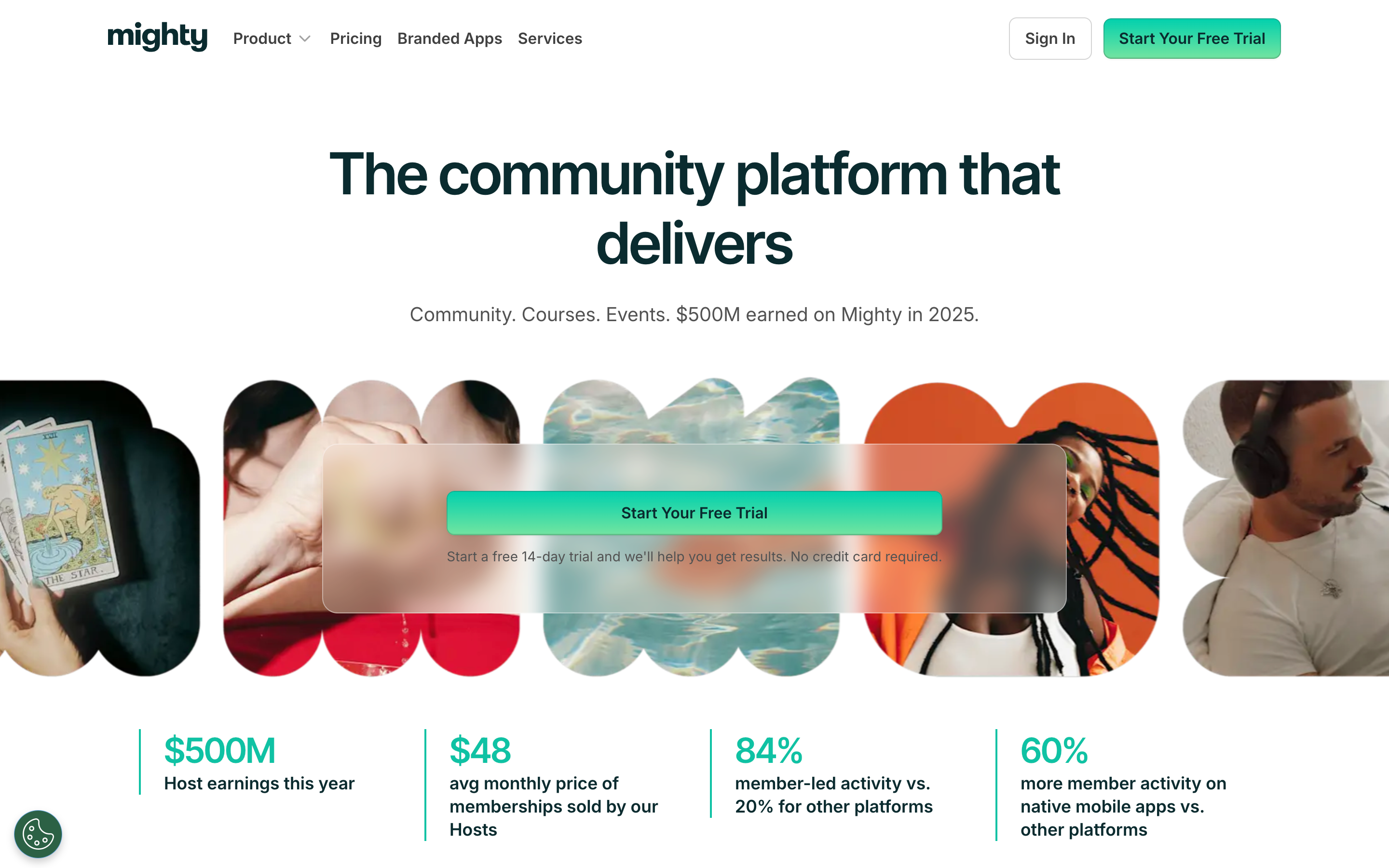
Best for: Building engaged communities with courses and memberships
Mighty Networks focuses on community building rather than just content gating. The platform creates social network-style experiences where members interact, take courses, attend events, and build relationships all in one space.
The interface feels modern and encourages member participation. Many membership sites feel closed and boring, but Mighty Networks feels like a live, active community where people actually talk and connect. Mobile apps on iOS and Android are included in all plans.
Key Features:
- Community spaces with social networking features
- Built-in course creation and hosting
- Events and calendar management
- Member directory and profiles
Pros:
- Excellent for community engagement
- Mobile apps included in all plans
- Unlimited members on all paid plans
- Strong member retention features
Cons:
- Higher price point than basic tools
- Transaction fees on top of subscription
Pricing:
Starts at $95/month plus a 2% transaction fee.
10. Teachable

Best for: Educators and course creators who want more of a traditional learning management system (LMS)
Teachable specializes in creating and selling online courses. The platform provides everything needed to build professional courses with video hosting, quizzes, certificates, and student management all built in.
Setup is straightforward with drag-and-drop course builders and ready-made templates. Teachable gives students a smooth learning experience with progress tracking, course completion certificates, and mobile access. Teachable handles payments and course delivery automatically.
Key Features:
- Course builder with multimedia support
- Student management and progress tracking
- Drip content scheduling
- Quizzes and course certificates
- Integrated payment processing
Pros:
- Purpose-built for course creation
- Easy to use for non-technical creators
- Built-in affiliate program
- Accepts payments in 130+ currencies
Cons:
- 7.5% transaction fee to start
- Limited community features compared to other platforms
Pricing:
Starts at $39/month plus 7.5% transaction fee
Frequently Asked Questions (FAQs)
What's the cheapest Memberstack alternative?
If you're assessing alternatives on price alone, Podia and Outseta are two of the cheaper alternatives worth considering. However, the price you'll end up paying depends heavily on your transaction volume and well as the additional software tools you might need to buy. Podia's transaction fees start at 5%—Outseta's start at 2%. Both platforms offer additional tools like email that will likely alleviate the need for other third party software tools.
Which alternatives work with Webflow?
Outseta offers a particularly deep integration with Webflow. This includes:
- Automated data sync with Webflow CMS items
- The ability to use native Webflow forms for sign up and login
- Access to payments, authentication, protected content, CRM, email, and help desk features—all from directly within the Webflow designer using Outseta's Webflow App.
When Webflow sunset their own user accounts and membership features, Outseta and Memberstack were the only two vendors that Webflow specifically recommended as replacements for their own membership functionality.
How do I migrate off Memberstack?
You can easily request a free migration from Memberstack—we'll migrate your memberships for you. Your members will continue to be charged on their existing renewal schedule using their existing payment methods.
Conclusion
Need platform flexibility? Outseta and MemberSpace work anywhere.
Need all-in-one platform for course creators? Kajabi is probably the best fit.
Building a community? Circle and Mighty Networks create engaging spaces.
The right choice depends on what your business actually needs.
Looking for the complete package? Outseta combines membership, CRM, email marketing, and billing in one platform, low transaction fees, works with any site builder, and scales with your business. Start your free trial and see if it's the fit you've been looking for.
Start with free trials. Test what matters to your business. Make the switch when you're ready.
On this page
Get our newsletter